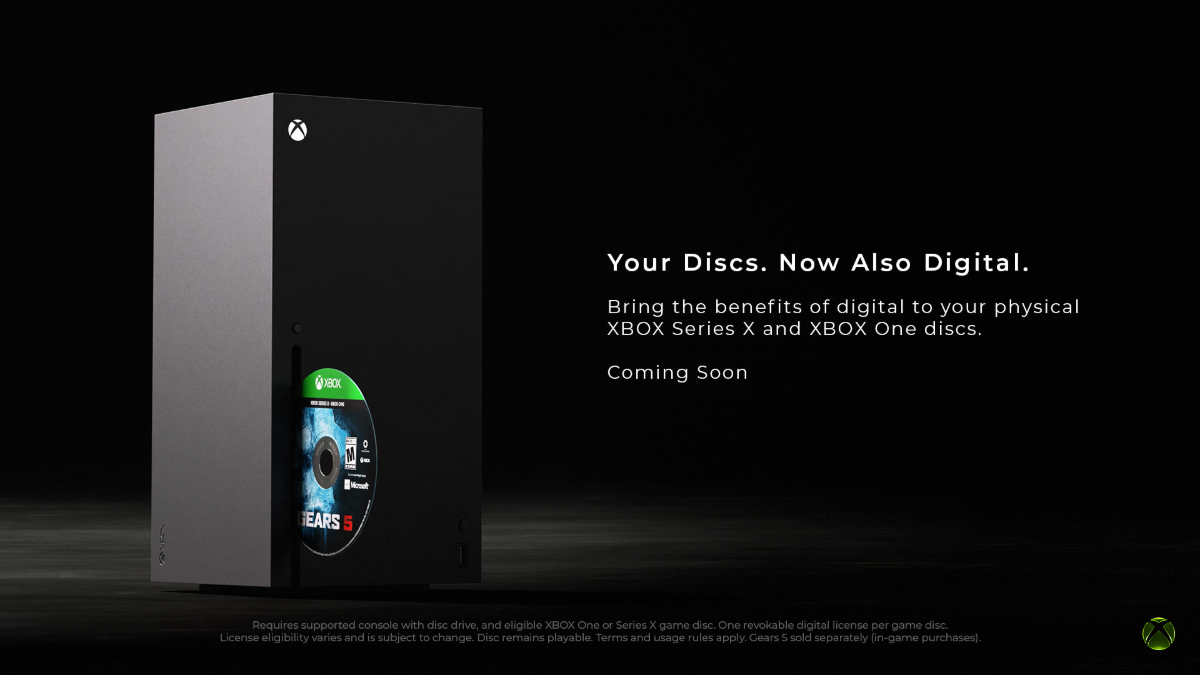
Xbox’s disc-to-digital program, that allows users to digitise their physical game collections, is now rolling out widely. The feature, which was released for Xbox Insiders last month, is available to all players starting September 30.
The disc-to-digital program supports most Xbox One and Xbox Series X physical discs, allowing users access to digital benefits for their physical games. The feature will be available to all Xbox users with a system update on their consoles.
Once updated, users can insert an eligible Xbox Series X or Xbox One disc title and obtain a digital license associated with the disc. Players can then continue playing a digital version of the game without keeping the disc inserted in the console.
The disc will continue to work as before and can be shared, lent, or resold. The digital version of the claimed game will also grant players benefits like Xbox Play Anywhere and Xbox Cloud Gaming where supported, allowing them to play those titles across multiple devices via the Xbox app and on Xbox Series S, which doesn’t come with a disc drive.
Not all Xbox One and Xbox Series X game discs are supported by the disc-to-digital program. Xbox has said the feature will initially support thousands of Xbox games; more titles will be added in the future. In an updated Xbox support page, the company said that disc-to-digital eligibility “may change over time, and varies due to technical, licensing, publishing, manufacturing, and other factors”.
How to Claim Disc-to-Digital License
To claim a disc-to-digital license, users can simply insert an eligible disc and start playing while signed into their Xbox account. A confirmation will pop up to inform them that they have received a digital license for the disc title.
To access the library of disc-to-digital licensed games, users can press the Xbox button on the Xbox controller, go to My Games & apps > See all, then go to Full library > All games. Here, they’ll be able to see titles claimed through disc-to-digital licensing marked with a disc-to-digital licensing badge.
Similarly, disc-to-digital titles that support Xbox Play Anywhere can be seen with the badge on the Xbox app in My Library. Users can install the games on their PC and start playing.
Xbox announced the disc-to-digital program for Xbox One and Xbox Series X disc-based titles in August. The feature started rolling out to Xbox Insiders on August 31.
Microsoft’s digitisation program arrives as conversations around game preservation and physical discs have come into focus following Sony’s move to end physical game disc production for new PlayStation titles starting January 2028. Sony is believed to be working on a similar solution that allows PlayStation users to access their physical game collections going forward in an all-digital future.