


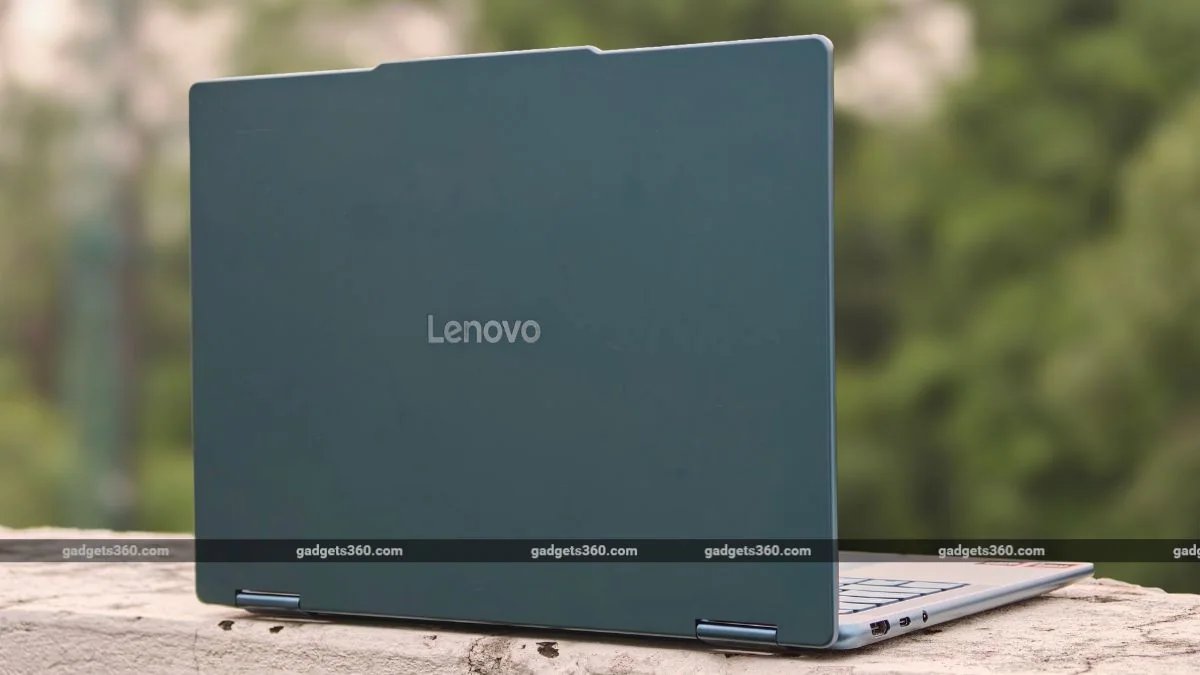
The Lenovo Yoga series has long stood out as a premium ultra-portable laptop line. The company has consistently launched laptops under its Yoga branding, with a special focus on sleek design and a lightweight build. And the new Lenovo Yoga 7 2-in-1 continues this tradition. The latest laptop follows the familiar Yoga formula: an aluminium body, an OLED touchscreen with a 360-degree hinge, a comfortable keyboard, a long-lasting battery, and more. That said, is it enough to stand out from the crowd? I have been using the laptop for a while now, and here’s everything you need to know.
Lenovo Yoga 7 2-in-1 Design: Sturdy and Minimal
- Dimension – 316 x 228 x 15.4 mm
- Weight – 1.38kg
- Colours – Tidal Teal
The Yoga 7 2-in-1 looks like a Yoga should. The laptop features a minimal design with a clean aluminium exterior and rounded corners, a hallmark of the Yoga series. The laptop is available in a single Tidal Teal colour option. The 14-inch version weighs around 1.38kg and measures as little as 15.4mm at its thinnest point, making it reasonably easy to carry.
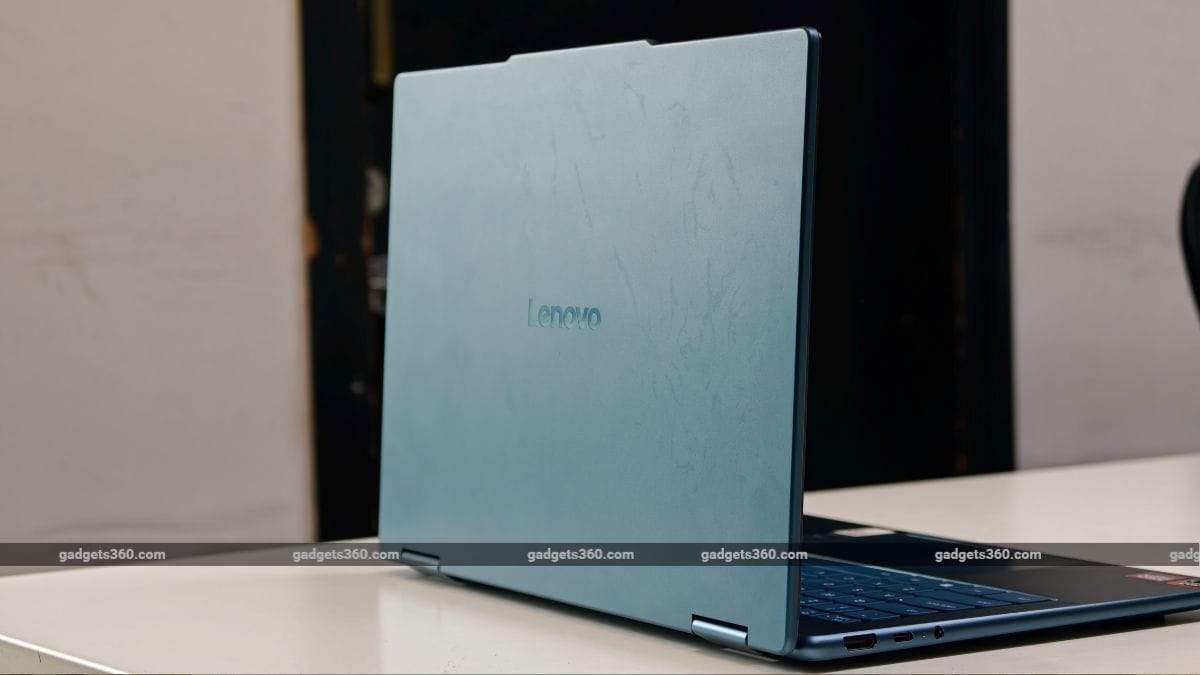
The Lenovo Yoga 7 2-in-1 is available in a single Tidal Teal colour option.
The hinge is decent, and you can turn it 360 degrees, meaning that you can use it in different modes like normal desktop mode, tent mode, tablet mode, etc. The hinge could have been better, as the screen wobbles when you touch it, which can be a deal-breaker, especially when you are using the Yoga Pen Gen 2. As for the pen, it uses AES 3.0 technology and offers 8,192 levels of pressure sensitivity.
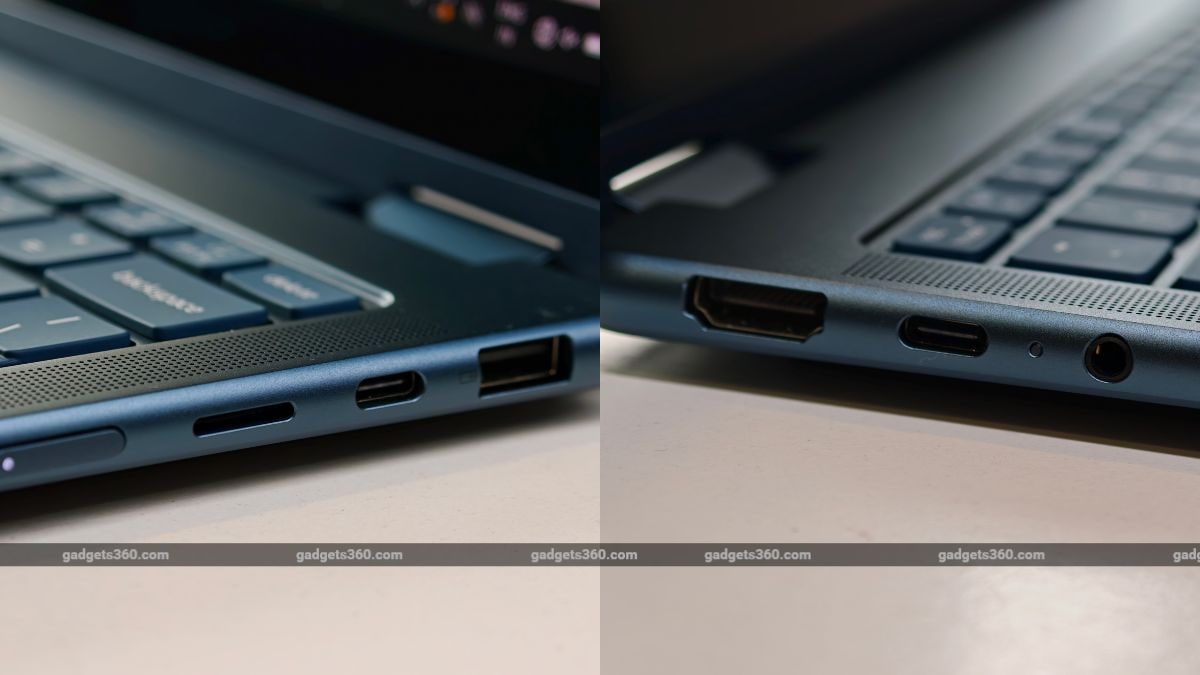
The laptop comes with a decent selection of connectivity ports.
As for I/O ports, the brand has done a pretty good job providing almost all the necessary ports. You get a 3.5mm audio jack, one USB Type-C port, and an HDMI port on the left side, while the right side features one USB Type-A port, one USB Type-C port, a microSD card reader, and a power on/off button. The only downside here is that the USB Type-C ports are not Thunderbolt 4, which is a bummer since multiple brands are now including it with their laptops.
Lenovo Yoga 7 2-in-1 Display: Smooth and Vibrant
- Display – 14-inch OLED touchscreen
- Resolution – WUXGA (1920×1200 pixels)
- Refresh Rate – 60Hz
The Lenovo Yoga 7 2-in-1 laptop comes with a 14-inch OLED touchscreen. The display offers 1920×1200 pixel resolution and 400 nits of peak brightness. It also features 100 per cent DCI-P3 colour gamut, Dolby Vision, TÜV Low Blue Light, a 16:10 aspect ratio, and a 60Hz refresh rate.
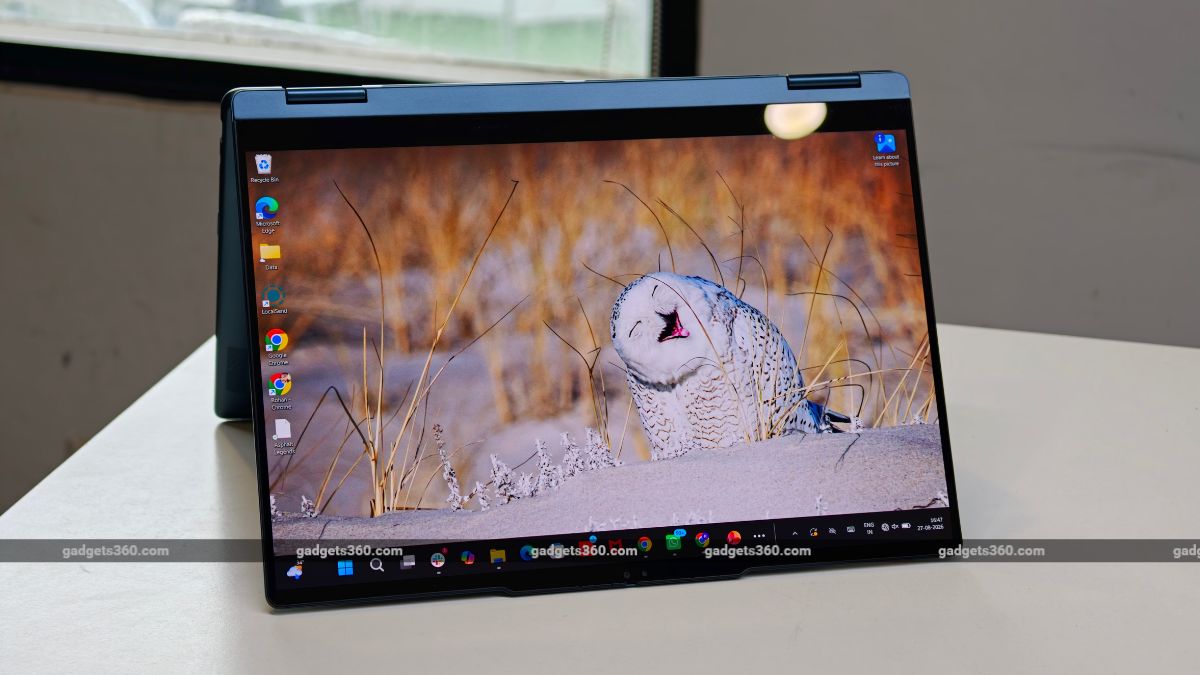
The laptop comes loaded with a 14-inch OLED touchscreen.
Starting with the strengths, the display is sharp and delivers crisp visuals. Colours are rich, blacks are genuinely black, and the contrast is considerably better than what you get from most IPS screens. The screen size is also apt for content consumption. The text also appears sharp.
The 60Hz refresh rate is the more obvious compromise. In 2026, 60Hz feels a bit let down, especially when the competition offers 90Hz or 120Hz panels at a similar price point. That said, scrolling and animations are perfectly usable, but the 120Hz option feels much more natural.
Lenovo Yoga 7 2-in-1 Keyboard, Touchpad, Speakers, and Webcam
- Keyboard – Backlit keyboard
- Webcam – 1080p IR camera
- Speakers – Four Speakers with Dolby Atmos
The Lenovo Yoga 7 2-in-1 comes with a backlit keyboard. The laptop has soft keys that make typing smooth. The keys are well-spaced and offer 1.5mm key travel, which is pretty standard in this price segment.
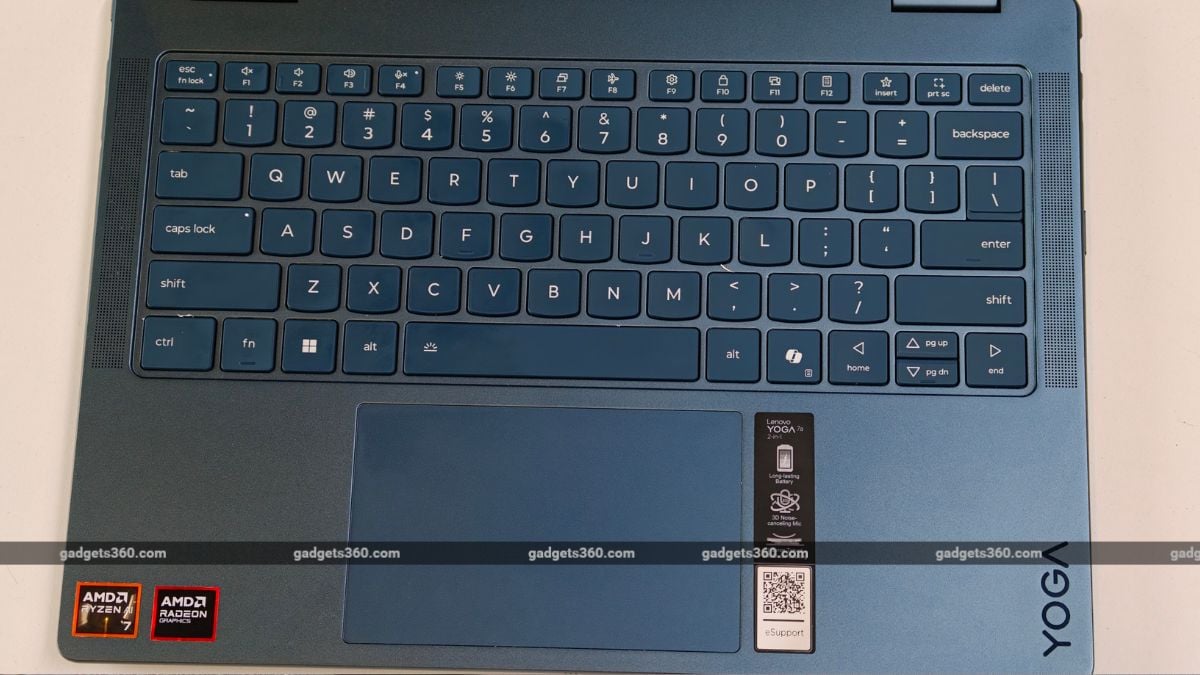
The Lenovo Yoga 7 2-in-1 offers a backlit keyboard and a big trackpad.
That said, the touchpad was hit and miss for me. There were times when the touchpad didn’t register the gestures correctly, and you will also notice accidental touches and swipes more often with this touchpad.
For security, it includes an IR-based camera for Windows Hello support. It supports Windows Hello facial recognition and has a physical privacy shutter. Lenovo also uses four noise-cancelling microphones, which make the Yoga 7 well suited to video calls. Moreover, you also get a physical shutter button, which is a nice addition.
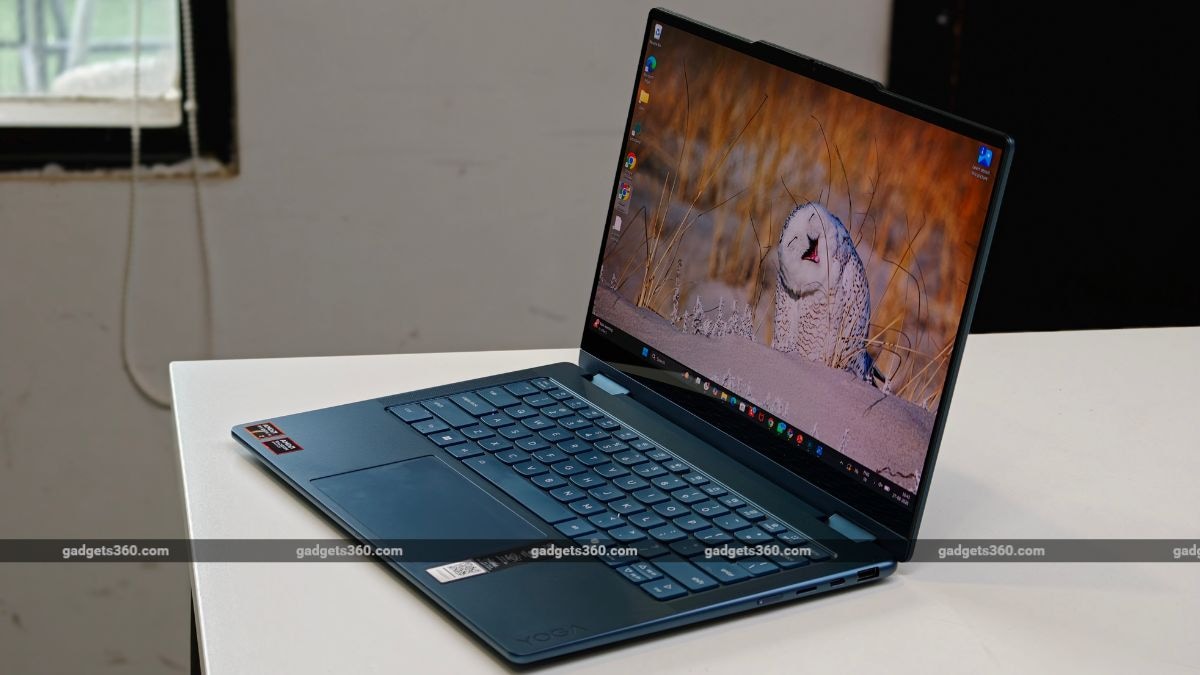
The four-speaker system is better than what you would normally expect from a thin convertible. It has enough volume for watching films without immediately reaching for headphones, while dialogue stays reasonably clear. Dolby Atmos processing adds some width to the sound, though the speaker still lacks some bass.
Lenovo Yoga 7 2-in-1 Software
- Operating System – Windows 11 Home
- Other Features – Smart Modes, Lenovo Vantage
The Lenovo Yoga 7 2-in-1 runs on Windows 11. Since it is a CoPilot+ PC, you get all the usual AI features that a typical CoPilot laptop offers. Lenovo has also bundled its Vantage utility alongside Smart Note, Smart Connect, Dolby Access, Microsoft 365 trial software and McAfee LiveSafe.
Lenovo Vantage remains useful because it brings system updates, battery settings, performance modes, and device controls into one place. It is one of the better manufacturer utilities on Windows, although some pre-installed software remains that many users may want to remove.
Lenovo Yoga 7 2-in-1 Performance: Reliable for Daily Usage
- Chipset – AMD Ryzen AI 7 445 Processor
- RAM – 24GB LPDDR5X, 8533MHz
- ROM – 512GB M.2 PCIe SSD
This is where it gets a bit complicated. The new Lenovo Yoga 7 2-in-1 laptop runs on the latest AMD Ryzen AI 7 445 processor, with six cores clocked at 4.6GHz and 12 Threads, built on Zen 5 architecture. The laptop also features Radeon 840M graphics. You also get 24GB of LPDDR5X RAM and 512GB of M.2 PCIe SSD storage. I have compiled the synthetic benchmark scores below.
| Benchmark | Lenovo Yoga 7 2-in-1 (2026) | Asus Zenbook S14 (2026) |
|---|---|---|
| Cinebench R23 Single Core | 1,827 | 2162 |
| Cinebench R23 Multi Core | 10,585 | 15568 |
| Geekbench 6 Single Core | 2,605 | 2856 |
| Geekbench 6 Multi Core | 10,491 | 16527 |
| PC Mark 10 | 6,860 | 9152 |
| 3DMark Night Raid | 20,787 | 29689 |
| 3DMark CPU Profile | 5,500 | 7272 |
| 3DMark Steel Nomad Light | 1,673 | 2008 |
| CrystalDiskMark | 6,136 MB/s (Read)/ 5,207 MB/s (Write) | 6981.59 MB/s (Read)/ 3381.89 MB/s (Write) |
For performance, the Lenovo Yoga 7 2-in-1 works well for daily use. I used this machine as my daily driver for work and home use. In most cases, the laptop was able to handle most of the office work, like opening multiple Chrome tabs, using Microsoft Office, and more; the laptop offered smooth performance. However, when you put it under stress, it can get overwhelmed. So, if you are editing photos in Adobe and using multiple Chrome tabs, you will notice slight sluggishness.
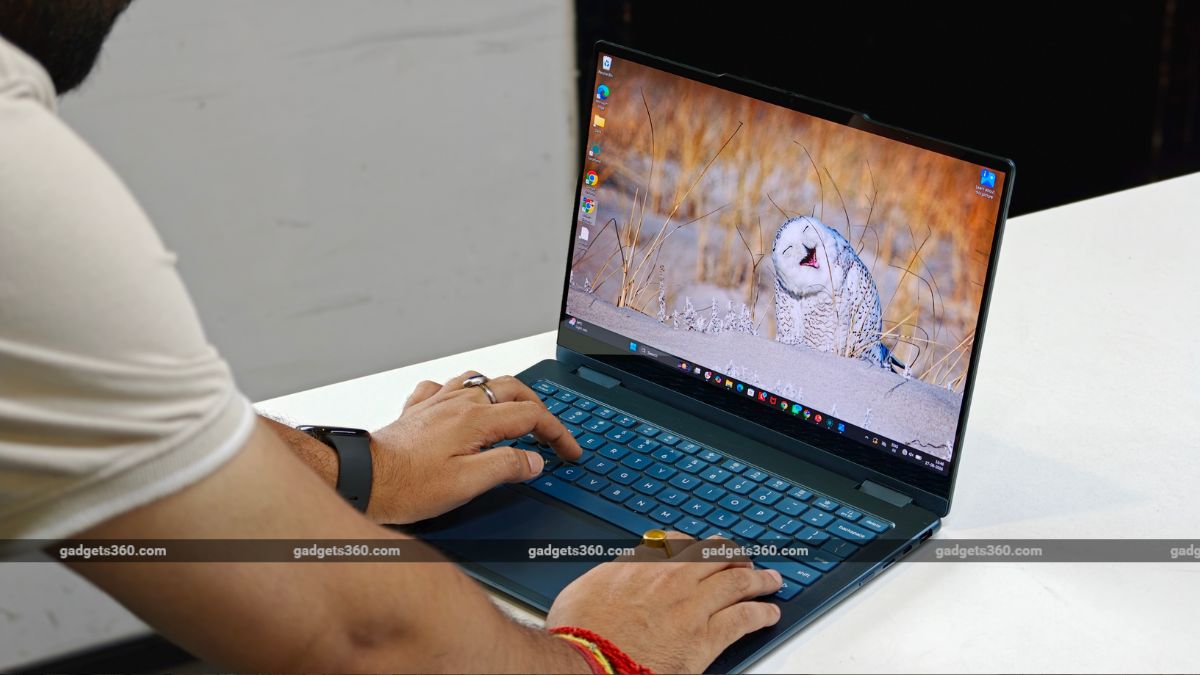
The laptop is powered by the AMD Ryzen AI 7 455 processor.
For gaming, the Radeon 840M is meant for daily work, not gaming. In practical terms, you can play older or less demanding games at lower settings, but I wouldn’t buy this machine for gaming.
The thermal management was good enough for me, and I never noticed the laptop getting too hot to handle. The fan speeds were passable with sustained load. Interestingly, if you want maximum output, switching to Performance mode helps you use the full TDP for stable performance.
Lenovo Yoga 7 2-in-1 Battery: Decent Enough
- Battery Capacity – 70Wh Lithium Polymer (Typical)
- Fast Charging – 65W Adapter
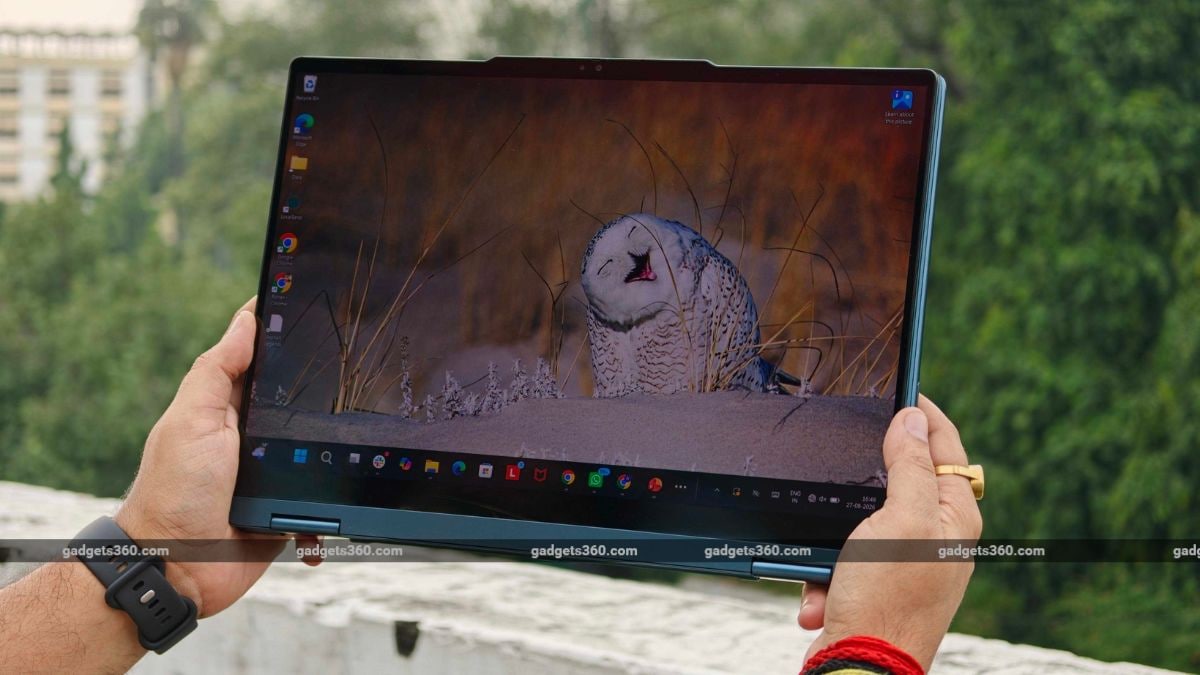
The Lenovo Yoga 7 2-in-1 comes equipped with a 70Wh battery, and the brand ships a 65W USB-C charger with the laptop. The battery performance of the Lenovo laptop is on par with that of the rest of the competition. The laptop efficiently delivers around 12 hours of battery life with conservative to normal usage. With normal to heavy usage, I comfortably got around 7 to 9 hours of battery backup. Moreover, the laptop took almost 2 hours to charge fully.
Lenovo Yoga 7 2-in-1 Verdict
To conclude, the Lenovo Yoga 7 2-in-1 is a balanced laptop meant for daily work. The laptop offers a good build with the aluminium finish. The OLED display delivers good results, and you will enjoy watching content on this machine. The battery life is decent, and so is the performance for daily usage. That said, the AMD Ryzen AI 7 455 chipset isn’t as strong as its Intel counterpart when it comes to handling the load. The keyboard works well, though I still have some complaints about the trackpad. As for the competition, you can also get the HP OmniBook X Flip 14, Samsung Galaxy Book 6 360, and more at a similar price point.