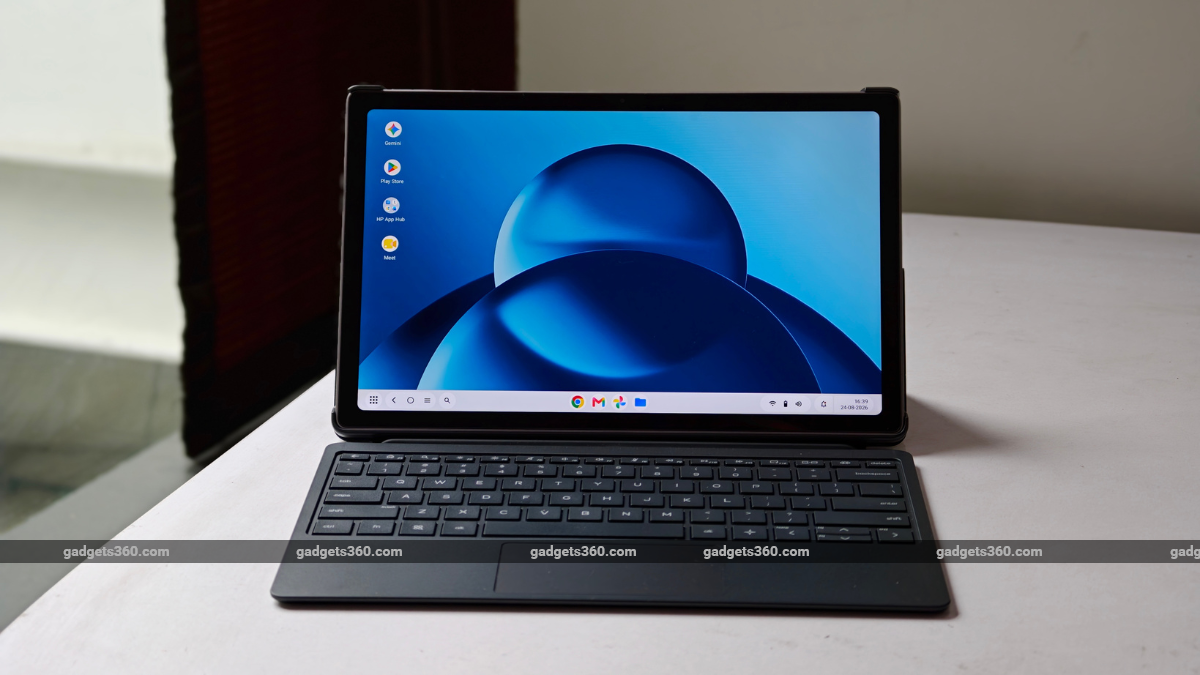
Laptops are getting so expensive that it feels like the industry is moving backwards. Even new budget laptops aren’t as affordable as they used to be, as the RAM crisis has hit the consumer tech industry hard. This has given a new lease of life to a different product category that had otherwise slowed a bit. Brands have seemingly started giving some attention to work-focused tablets, bundled with a keyboard. This category was all the rage a few years ago, when laptops weren’t as thin and light.
The HP OmniPad 12 was recently launched in India with the same aim. Arriving as a sub-Rs. 50,000 tablet, coupled with a keyboard, the OmniPad 12 solves various problems for a very specific, niche group of office-goers. The idea of a compact workstation for people who are mostly on the go seems noble. However, can it actually replace your work laptop?
HP OmniPad 12 Design: Looks Good and Well Built
- Dimensions – 283×178.1×7.3mm (Tablet); 286.8×184.2×18.45mm (Keyboard)
- Weight – 600g (Tablet) + 650g (Keyboard)
- Colours – Meteor Silver
The HP brand name carries a long legacy of making reliable, well-built office machines. A laptop with an HP logo on the back would instantly give you a sense of relief- well, at least with the device’s build quality. The case here is no different. HP has kept the design of the OmniPad 12 simple, subtle, and sober. This mix is perfect for a device you want to carry to work every day.
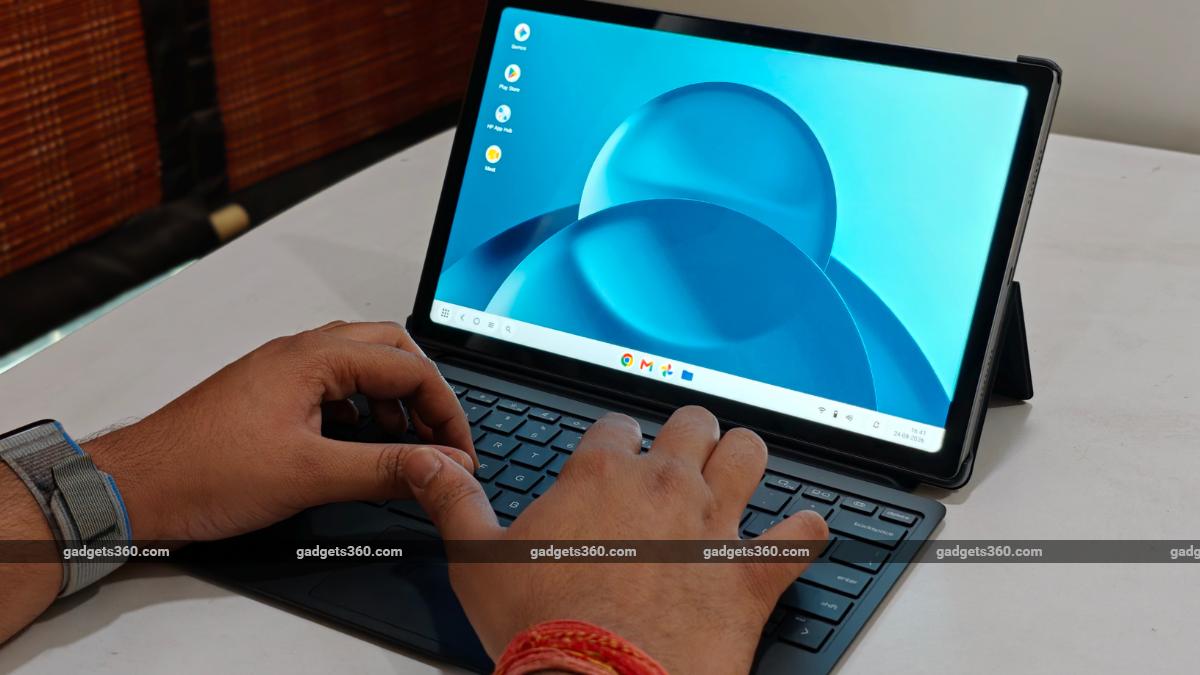

HP OmniPad 12 ships with a bundled folio case + keyboard
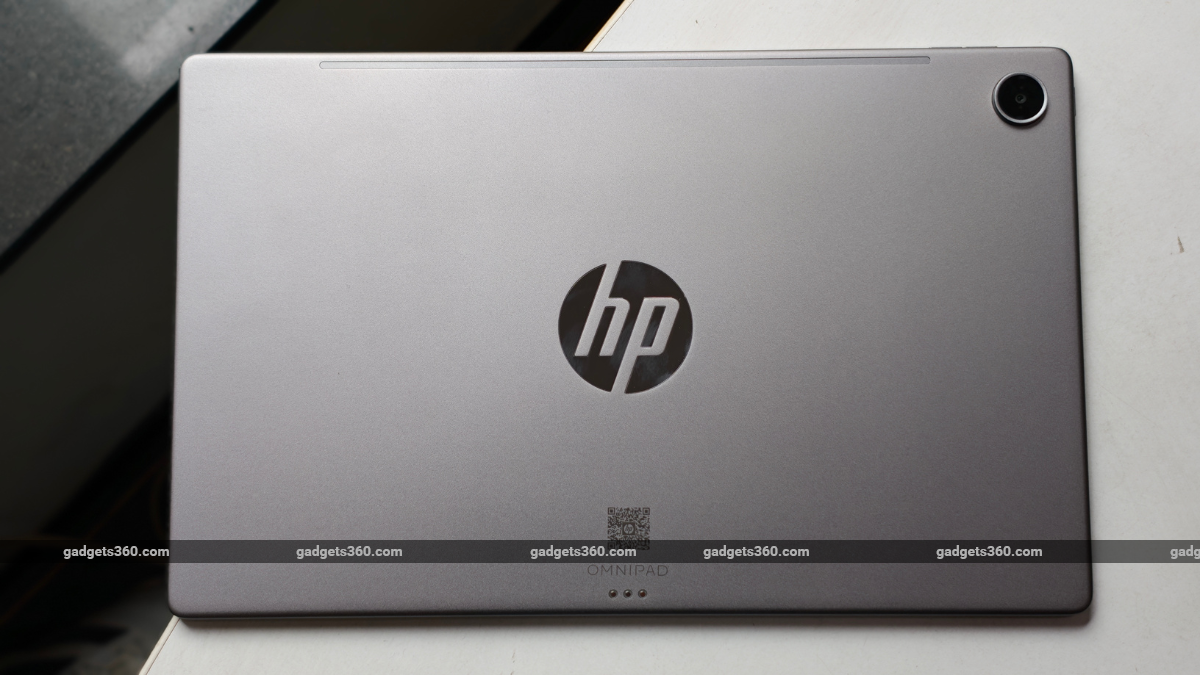
Its flat rear is metal, as is its mid-frame. This translates into minimal squeaking or body flex. Moreover, while holding the HP OmniPad 12, you would actually realise how premium the in-hand feel of the tablet is. This is, of course, when you do not have the folio case on. When held horizontally, as it is meant to be, the power button sits on the left side of the tablet, just below the top-left shoulder.
Meanwhile, the volume rockers are on the top. The quality of the HP OmniPad 12’s buttons is quite premium; the spring action feels precise and sure-footed. But I should point out that the lack of space between the volume up and down buttons can make you press the wrong key at first. However, with the folio case and keyboard attached, you will rarely be using the tablet’s three buttons to do anything.
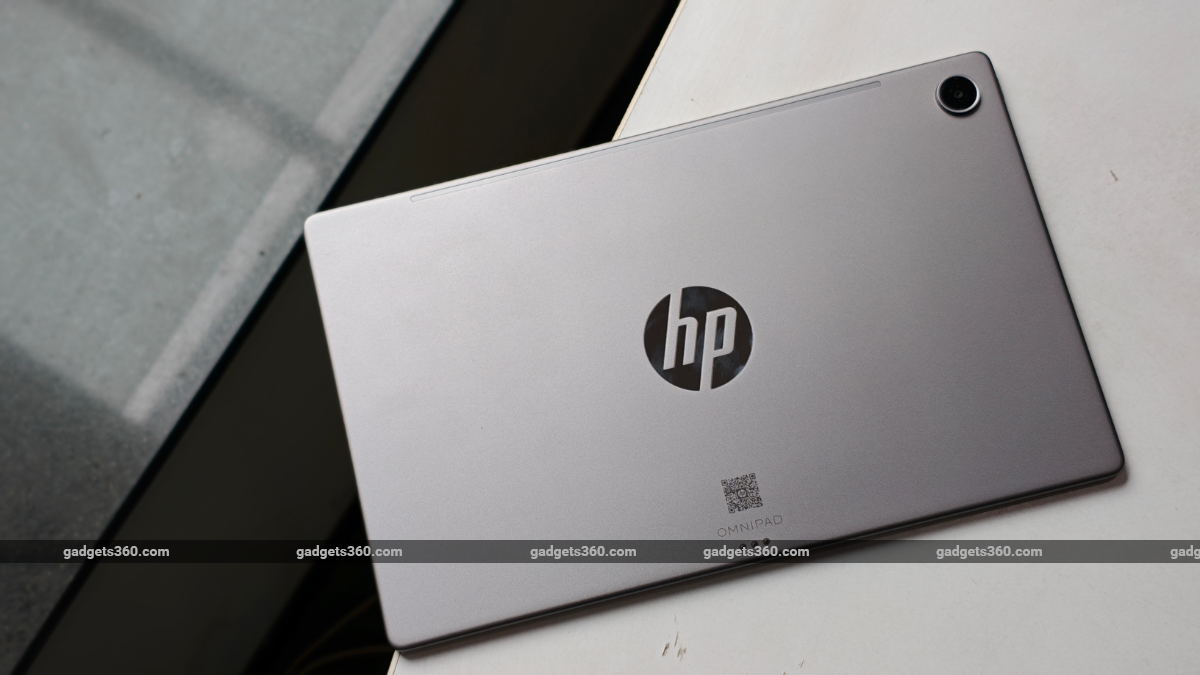
HP OmniPad 12 gets a metal chassis
Moving on, the folio case is quite upmarket, too. The smooth, leather-like texture feels good to hold, which most laptops don’t offer. The bottom flap, with the keyboard, immediately puts the tablet to sleep when you close it, like a conventional laptop. Additionally, the folio case is finished in black, which complements the Meteor Silver colourway of the HP OmniPad 12 really well. The combination adds to the overall aesthetics.
The HP OmniPad 12 itself weighs about 600g, which might seem light to some people. However, when compared to some flagship tablets, it is quite heavy. As a package, the detachable keyboard weighs about 650g, bringing the total close to 1.25kg. This is on par with, or slightly heavier than, some thin-and-light laptops, which aren’t found in this price range. So, compared to a budget laptop, that is a great number.
HP OmniPad 12 Display and Speaker: Better Than Most Budget Laptops
- Screen size – 12-Inch, 2K (2000 x 1200 pixels)
- Refresh rate – Up to 90Hz
As for the display, the HP OmniPad 12 sports a large enough 12-inch LCD touchscreen to get you through your workday with zero discomfort. Its touch panel is one of its strongest suits, and it’s good enough for typing long documents, making PowerPoint presentations, editing photos, and occasionally watching movies and shows to wind down when you feel like it.
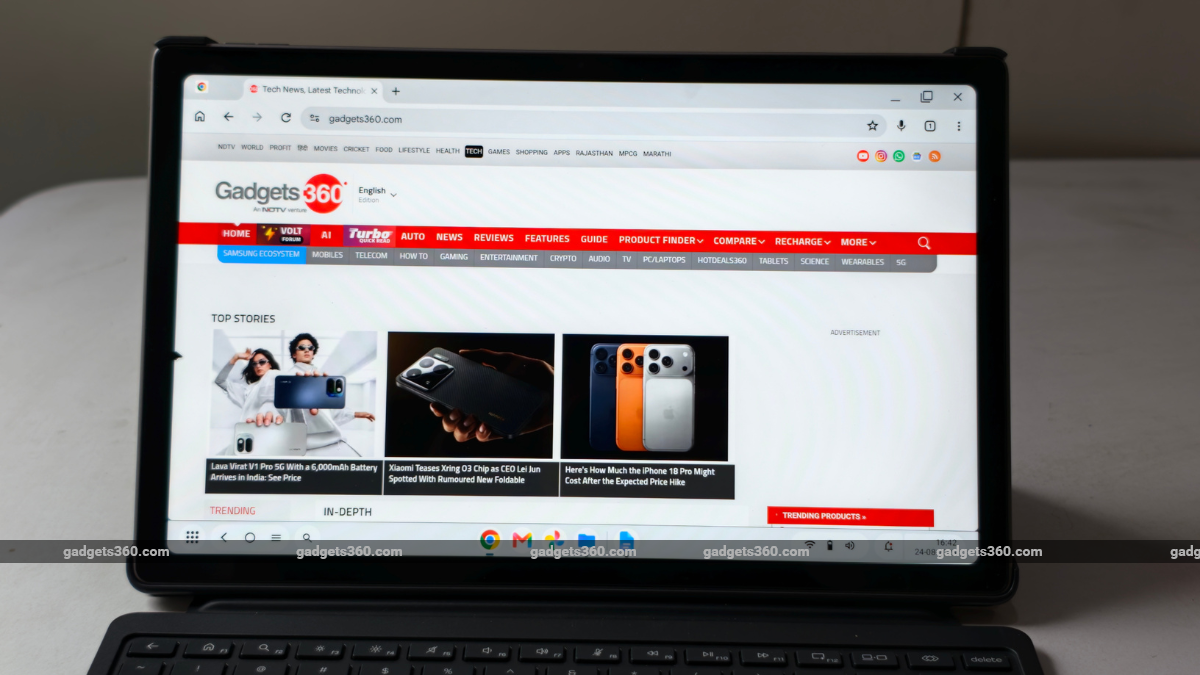
HP OmniPad 12 sports a 12-inch 2K display
With 100 percent sRGB coverage, the screen on the HP OmniPad 12 is really vibrant. Small colour accuracy issues may be visible only to professionals in colour grading, as some shades can look a bit washed out. However, the whites seem quite neutral and accurate, with the display neither leaning toward a blue nor a yellow tint.
The HP OmniPad 12 offers a 2K resolution screen, which means that the visuals are always crisp and crystal clear. Words and single letters on websites, Word documents, and PPTs appear sharp, with zero distortion, making the overall reading and typing experience a delight, visually at least. The touchscreen is also extremely responsive, and scrolling is a delight.
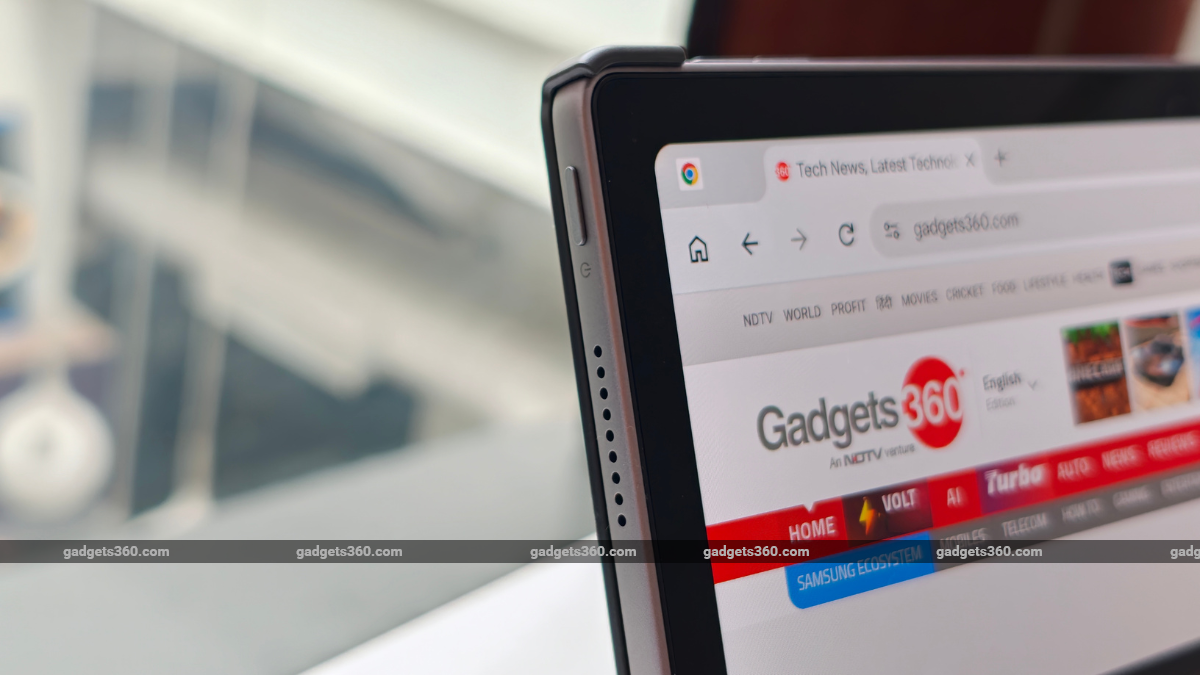
HP OmniPad 12 gets a quad-speaker unit
After work, I watched Musafir Cafe and Hustle Season 5 on Netflix. As expected, playback was much better than on some of the budget tablets on the market these days. Another great thing about the HP OmniPad 12 is its quad-speaker setup, which is loud enough for personal content watching, while also offering clear audio. It fires audio from both left and right sides, making the overall experience much more immersive.
HP OmniPad 12 Performance and Software: Painfully Underpowered
- Chipset – Snapdragon SM6475Q (Hexa-Core)
- RAM – 8GB (LPDDR5)
- Storage – Up to 256GB
- Software – Android 16
One of the biggest letdowns for me has been the performance of the HP OmniPad 12. It is equipped with Qualcomm’s Snapdragon SM6475Q chipset, the Snapdragon 6 Gen 3 SoC, but it lacks two cores, making it a hexa-core chip. Putting a budget phone platform into a tablet focused on meeting your daily work needs has serious limitations that show up in day-to-day use.
When you factor in the price, a hexa-core Snapdragon 6 series chipset seems like an even bigger disappointment. Switching between apps and tabs while multitasking is painful. The tablet struggles with basic multitasking without stutters, hiccups, or drops. When it does manage to make the switch, the app screen takes its sweet time to load.
HP OmniPad 12 features an underpowered Snapdragon SoC
It feels like HP put a Fiat engine in a Ferrari, while virtually turning a V8 into a far less refined V6. However, it does manage to deliver a peak clock speed of 2.4GHz, which is decent enough if your daily workflow does not involve serious multitasking. The performance issues appear mostly in Desk mode, while switching to Tablet mode seems to improve the experience slightly.
This performance is comparable to budget laptops, which also struggle under stress. However, an apples-to-apples comparison with other tablets would put the HP OmniPad 12 far behind. Here are our usual synthetic benchmarks for a more clinical comparison with other tablets.
| Benchmark | HP OmniPad 12 | Oppo Pad 5 | OnePlus Pad Go 2 |
|---|---|---|---|
| Display Resolution | 2K | 2.8K | 2.8K |
| Chipset | Snapdragon SM6475Q | MediaTek Dimensity 7300-Ultra (4nm) | MediaTek Dimensity 7300-Ultra (4nm) |
| AnTuTu v10/11 | 8,94,429 | 1,012,533 | 1,016,909 |
| PCMark Work Performance 3.0 | 11,700 | NA | NA |
| Geekbench 6 CPU Single Core | 1,006 | 990 | 1,001 |
| Geekbench 6 CPU Multi Core | 2,583 | 2,962 | 3,100 |
| Geekbench AI CPU (Quantized) | 1,664 | 2,195 | 2,100 |
| Geekbench AI GPU (Quantized) | 688 | 575 | 544 |
| 3DM Wild Life | 3352 | 3,215 | 3,226 |
| 3DM Wild Life Unlimited | 3391 | 3,257 | 3,255 |
| 3DM Steel Nomad Light | 318 | 359 | 362 |
On the software side, the HP OmniPad 12 ships with Android 16, which is extremely familiar and intuitive. As soon as you attach it to the folio case/keyboard, the tablet will ask you if you wish to switch to Desk mode, which turns the tablet into a Windows-inspired Android laptop.
Every gesture and keyboard shortcut works as you would expect on a Windows laptop. The notifications and quick settings panel are immediately shifted to the bottom right corner of the screen. Moving back to Tablet mode turns it into a regular Android tablet, running vanilla Android as you would want it to. Switching between the two modes never throws you off, which is one of the best things about its software experience.
HP OmniPad 12 Cameras and Keyboard: Decent Enough
- Rear camera – 13-megapixel
- Selfie camera – 8-megapixel
- Keyboard: QWERTY, Detachable
The HP OmniPad 12 gets a conventional tablet-like camera setup, with a 13-megapixel shooter on the back and an 8-megapixel camera on the front. Both cameras capture passable still images at best. However, the 8-megapixel front-facing camera works impressively well with video calls, with a wide field of view and decent, clear footage.

HP OmniPad 12 rear camera performance
While you can take photos with both cameras, their day and low-light performance is passable at best. So, it’s better to stick to your smartphone for photos. That said, the cameras can also record decent videos if you don’t plan to post them online. The in-sensor zoom completely pixelates both photos and videos.

HP OmniPad 12 front-facing camera performance
As for the full-size, detachable keyboard on the HP OmniPad 12, it gets the basics right. The key travel feels fine, so you can type for as long as you want with comfort. However, the same can not be said about the trackpad, which is really hard to use or press.
You really have to put in effort to click to open something or drag a file or folder. The trackpad is also really small. But this seems like a fair trade-off for a well-spaced, large enough keyboard. Overall, it would have been made much better with a backlit keyboard, which brands such as Xiaomi do offer.
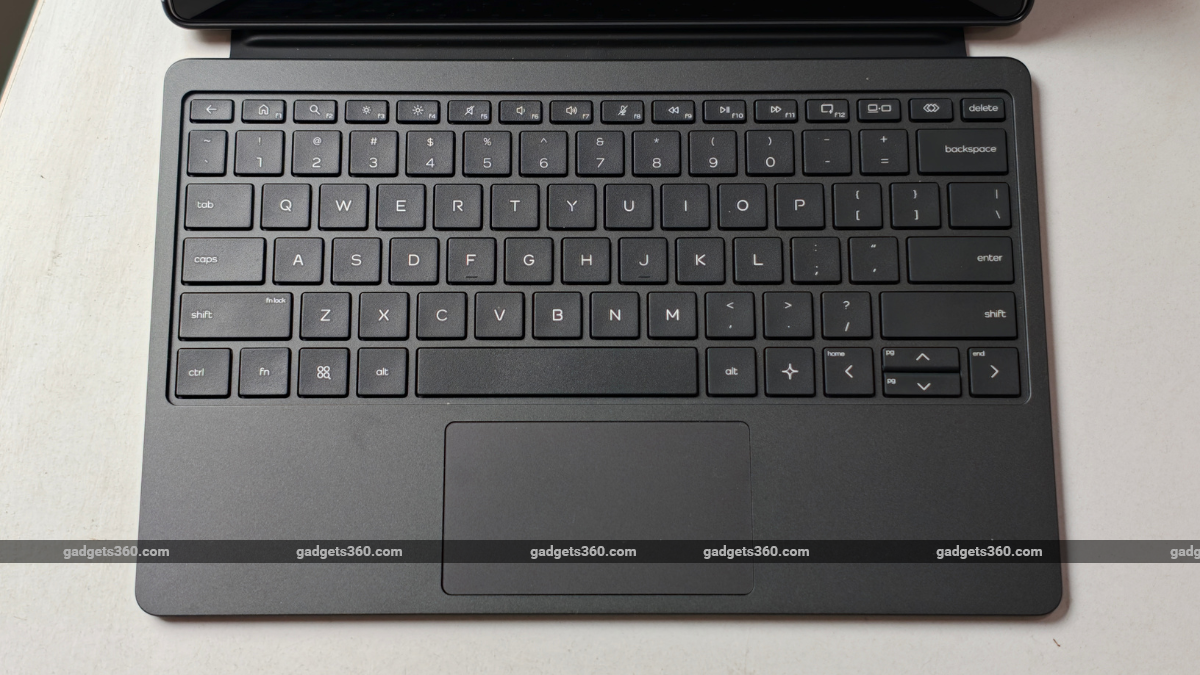
HP OmniPad 12 detachable keyboard
The ecosystem integration has been well thought out, as most of the keyboard shortcuts that you must be familiar with work with the HP OmniPad 12’s keyboard. Dedicated keys for volume controls, screen brightness, switching between Desk and Tablet modes, back, home, search, and more have been placed where you would expect them to be on a Windows laptop.
HP OmniPad 12 Battery: Performs as Expected
- Capacity – 31Wh
- Fast charging – 33W
- Charging Adapter – Included
HP claims that its OmniPad 12 provides “up to” 18 hours of battery. Surprisingly, I could squeeze a little more active screen time than what the tech giant claims. The tablet easily lasted a full workday of typing, YouTube, Spotify, and 20+ active Google Chrome tabs. On the PC Mark 3.0 Battery Life test, the tablet went from 100 percent to 20 percent in about 16 hours and 29 minutes.
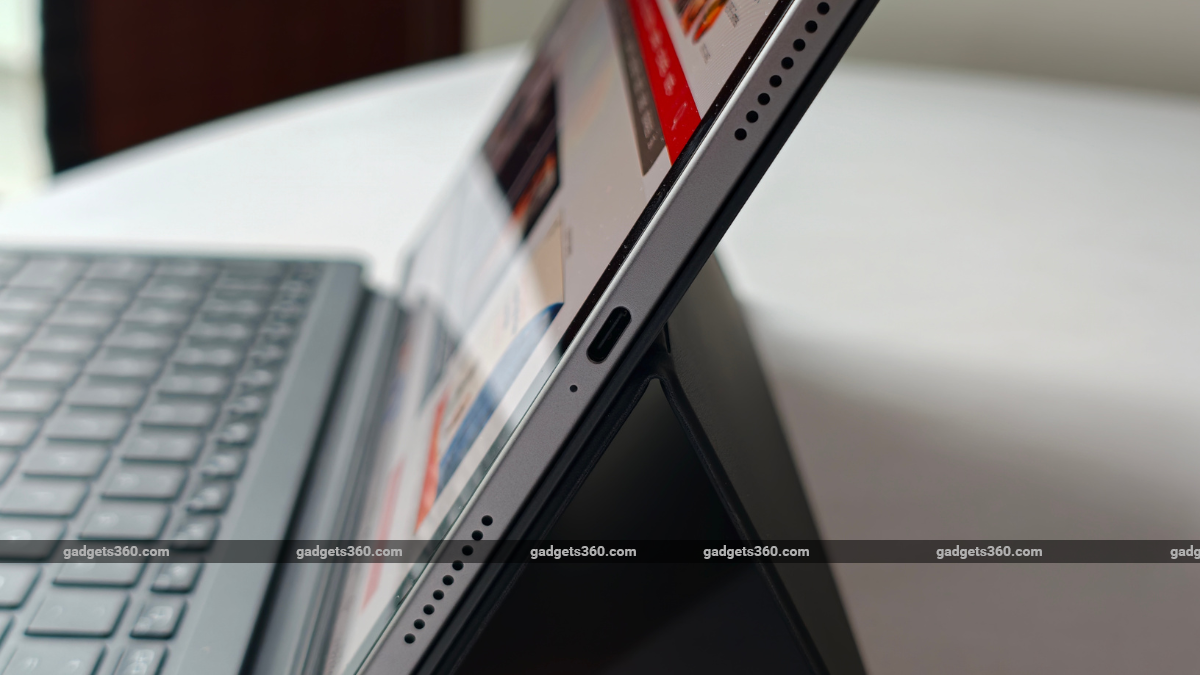
HP OmniPad 12 supports 30W wired fast charging
Compared with any budget laptop, the HP OmniPad 12 comes out on top easily. For charging, the tablet goes from 0 to 35 percent in 30 minutes and from 35 to 67 percent in about an hour, which already seems a bit slow. Charging it to 100 percent took about 2 hours and 1 minute, which is surprisingly slow.
HP OmniPad 12 Verdict
Retailing in India at Rs. 48,999, the HP OmniPad 12 is, in no sense, an affordable tablet. However, when you look at the package as a whole, it could make sense for select professionals who travel a lot but don’t want the hassle of carrying a laptop everywhere. However, it might not be the most ideal replacement for their existing laptop, especially because of its weak chipset and a few quirks.
In my opinion, the HP OmniPad 12 better serves the needs of college students and competitive exam aspirants like UPSC, NEET, and JEE, as it is well equipped for note-taking, content consumption, and more, with great build quality. Hence, under Rs. 50,000, instead of buying a budget laptop, students can definitely consider the HP OmniPad 12.
However, if you are strictly looking for a tablet at a slightly lower price point, you can consider the base iPad A16; I would recommend the Xiaomi Pad 8 as a better value-for-money option.