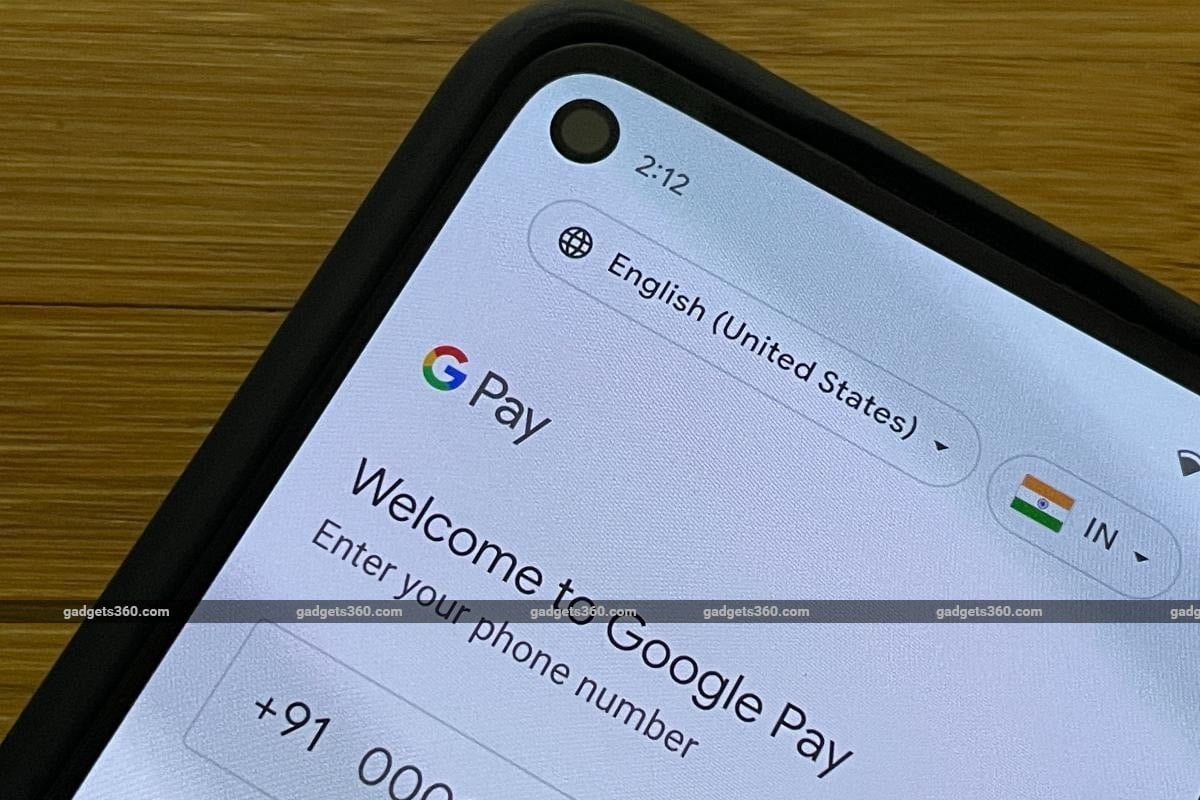
There are multiple subscriptions that pay for now. However, it often becomes difficult to keep track of all the services you are paying for annually or monthly. This can also lead to users forgetting about a subscription they had to pay for, which can also lead to cancellation. In 2020, the National Payments Corporation of India (NPCI) introduced the UPI Autopay facility. With UPI Autopay, you can enable e-mandate for recurring payments, including mobile bills, electricity bills, EMI Payments, OTT subscriptions, insurance premiums, and mutual fund payments using any UPI application of your choice.
Here’s everything you need to know about UPI autopay mandates and recurring payments, including the benefits and how to set them up using Google Pay and PhonePe.
Benefits of Setting Up UPI Autopay for Customers and Merchants
There are multiple benefits of setting up autopay mandates for recurring payments. If you are a customer, setting up autopay can help you avoid late fees and penalties by automatically as autopay can make timely payments on your behalf. Similarly, it offers a secure and convenient way to make recurring payments, without requiring you to manually make payments every month or year.
UPI allows users to set up autopay for Credit Card Bill Payment, Mutual Funds, and Insurance with a limit of up to Rs. 1,00,000. You can also easily modify, revoke, pause, or unpause autopay directly in the UPI app. You can also skip physical queues and directly make your payments online every month or year. Setting up autopay does not require any documentation or paperwork. You also receive Pre-Debit Notifications (PDNs) at least 24 hours before the execution of autopay transactions.
In case you are a merchant, integrating autopay will ensure timely payments from the customers, while allowing you to offer better services to your customers. It could also lead to increased customer satisfaction and customer retention, while also helping to build trust with your customers.
How to Set Up Autopay Mandate for Recurring Payments on Google Pay
- Open Google Pay on your handset.
- Tap on your profile picture in the top-right corner of the screen.
- Now, click on the Autopay button to open the section.
- Here, you can select the mandate from specific services to manage Autopay. To set up autopay for a specific service, select the mandate under the Pending section and then tap on the Accept button.
- Alternatively, you can also hit Decline if you do not wish to set up autopay for a requested mandate.
- Now, enter your UPI PIN to confirm your selection.
How to Set Up Autopay Mandate for Recurring Payments on PhonePe
- Open the PhonePe app on your smartphone.
- Then, tap on your profile picture in the top-left corner of the screen.
- Scroll down to the Payment Settings section.
- Now, tap on the AutoPay button.
- A new screen will appear. Here, you can select the mandate you wish to set up autopay for accepting the autopay request.
- The app will then ask you to enter your UPI PIN to authenticate autopay.
1. Why should I set up UPI autopay for recurring payments?
Setting up UPI autopay for recurring payments can help you avoid late fees and penalties.
2. Can I set up UPI autopay using any UPI app of my choice?
Yes, you can select any UPI app of your choice, like PhonePe or Google Pay, to set up UPI autopay for recurring payments.
3. Can I cancel UPI autopay mandates for recurring payments?
Yes, you can cancel UPI autopay mandates for recurring payments at any time using the same UPI app you used for setting it up.
Get your daily dose of tech news, reviews, and insights, in under 80 characters on Gadgets 360 Turbo. Connect with fellow tech lovers on our Forum. Follow us on X, Facebook, WhatsApp, Threads and Google News for instant updates. Catch all the action on our YouTube channel.