


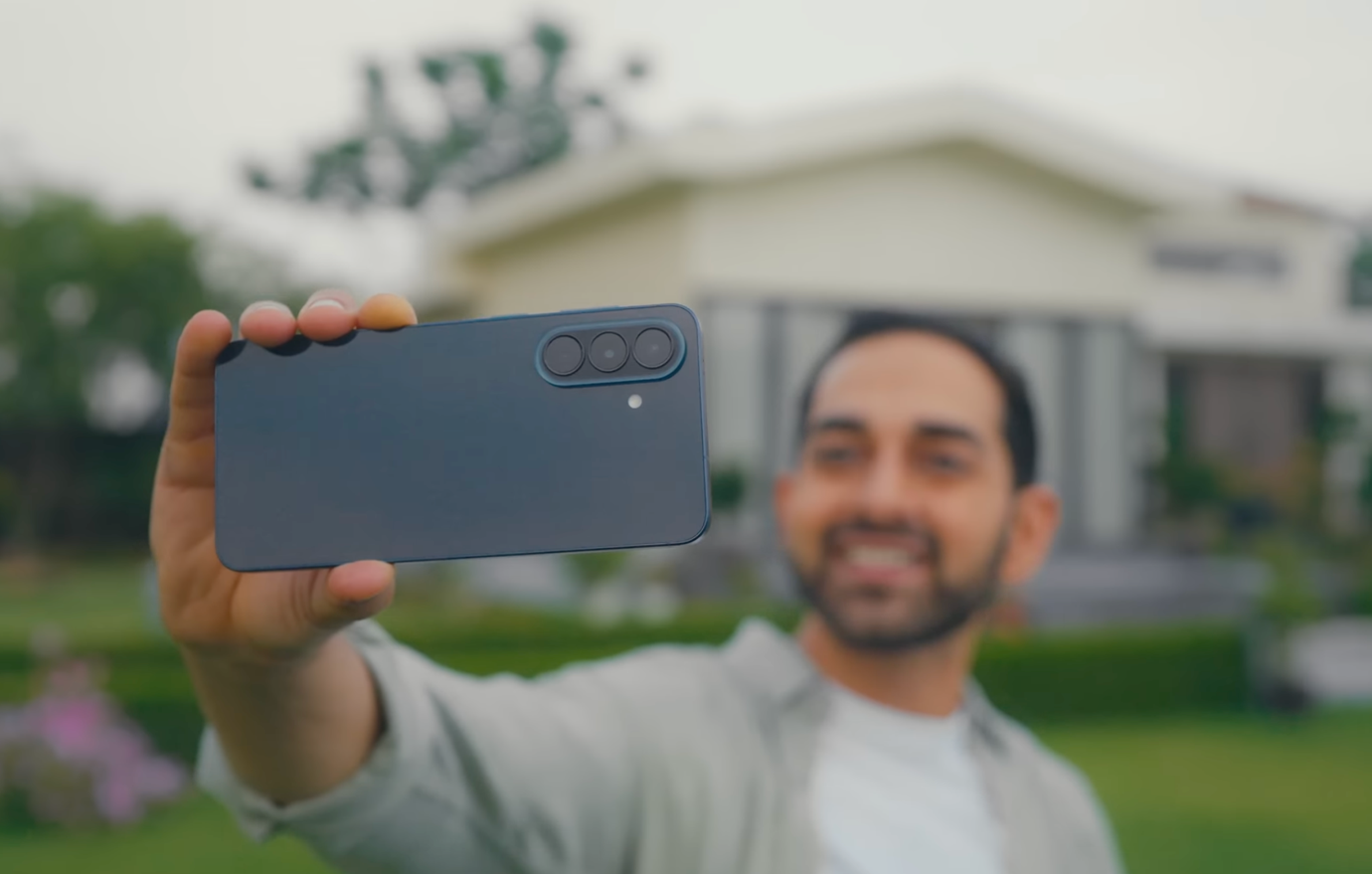
A new smartphone is usually one of the bigger purchases on a festive shopping list, so if you have already been thinking about upgrading, when you buy can matter almost as much as what you buy. That is what makes Samsung’s Galaxy A Series particularly interesting this festive season. The Galaxy A27 5G, Galaxy A37 5G, and Galaxy A57 5G are currently available with no-cost EMI, instant cashback, and other festive benefits that can make an upgrade easier to plan.
For anyone considering a Samsung Galaxy A Diwali offer, that gives you a good reason to look at the lineup right now. The festive offers may help you decide when to upgrade, but what matters afterward is what the phone can actually do for you. That is where One UI 8.5 comes into the picture, bringing together camera tools, Gallery features, easier sharing, privacy controls, and long-term software support around the things you are likely to use throughout the festive season and beyond.
Best Time To Buy Is Now: What the Galaxy A Festive Offers Look Like
Samsung’s latest Galaxy A festival offer gives buyers multiple ways to make the purchase more manageable. Depending on the model and variant, the current plans combine extended no-cost EMI with instant cashback, while the Samsung Upgrade Offer provides another option for buyers moving from an older device.
|
Model and Variant |
Instant Cashback |
EMI Structure |
EMI Per Month |
|
Galaxy A57 5G, 8GB + 256GB |
₹8,500 |
40 months / 10-month down payment |
₹787 |
|
Galaxy A57 5G, 12GB + 256GB |
₹9,500 |
40 months / 10-month down payment |
₹950 |
|
Galaxy A37 5G, 8GB + 128GB |
₹4,000 |
40 months / 10-month down payment |
₹650 |
|
Galaxy A27 5G, 6GB + 128GB |
₹2,500 |
24 months / 6-month down payment |
₹937 |
The Galaxy A57 5G and Galaxy A37 5G use a longer 40-month no cost EMI structure under the applicable plans, while the Galaxy A27 5G uses a 24-month structure. The monthly figures also make it easier to understand how the different models fit into a household budget, with the Galaxy A37 5G available at an EMI equivalent of ₹650 per month, followed by the Galaxy A57 5G 8GB + 256GB at ₹787 per month.
There are savings beyond EMI as well. Depending on the model and variant, buyers can get instant cashback of up to ₹9,500, while the Samsung Upgrade Offer provides another purchase route for eligible buyers. Together, these festive benefits make this a particularly relevant time for anyone who already had a Diwali smartphone deal or Galaxy A upgrade on their shopping list.
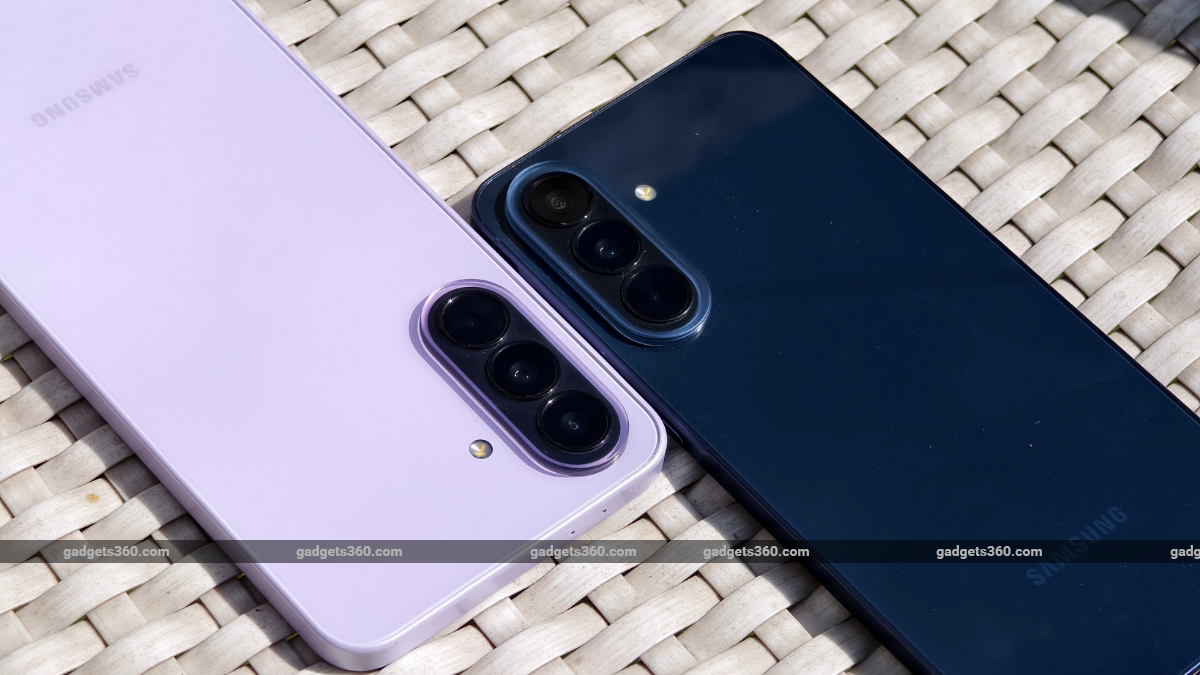
The One UI Advantage, at a Glance
The festive season puts your smartphone through a particularly varied mix of tasks. One moment you are taking family photographs, the next you are editing and sharing them, and before long your Gallery has also picked up invitations, travel information, screenshots, and videos from different celebrations.
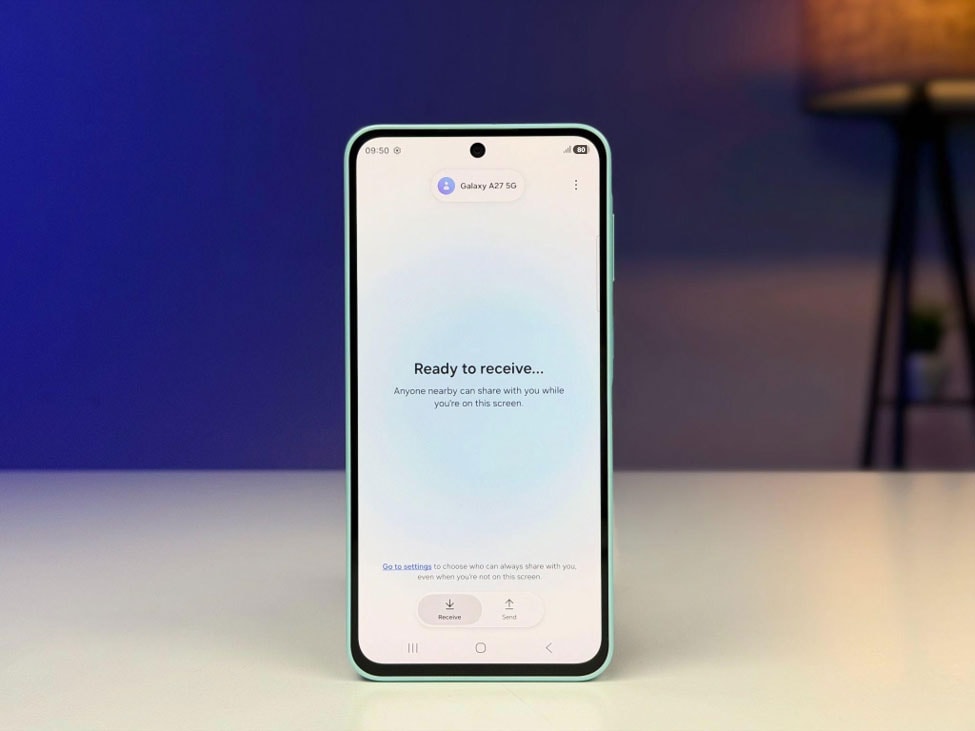
That is where the wider One UI 8.5 experience starts to matter. Instead of looking at each feature in isolation, the Galaxy A Series brings together tools that help you capture, edit, organise, share, and protect the content you create.
Capture: Get More From the Moments You Want to Keep
Festive photography rarely happens only in perfect daylight. There are family photographs indoors, decorated streets in the evening, pandal visits, weddings, and plenty of situations where fairy lights or diyas are doing much of the lighting.
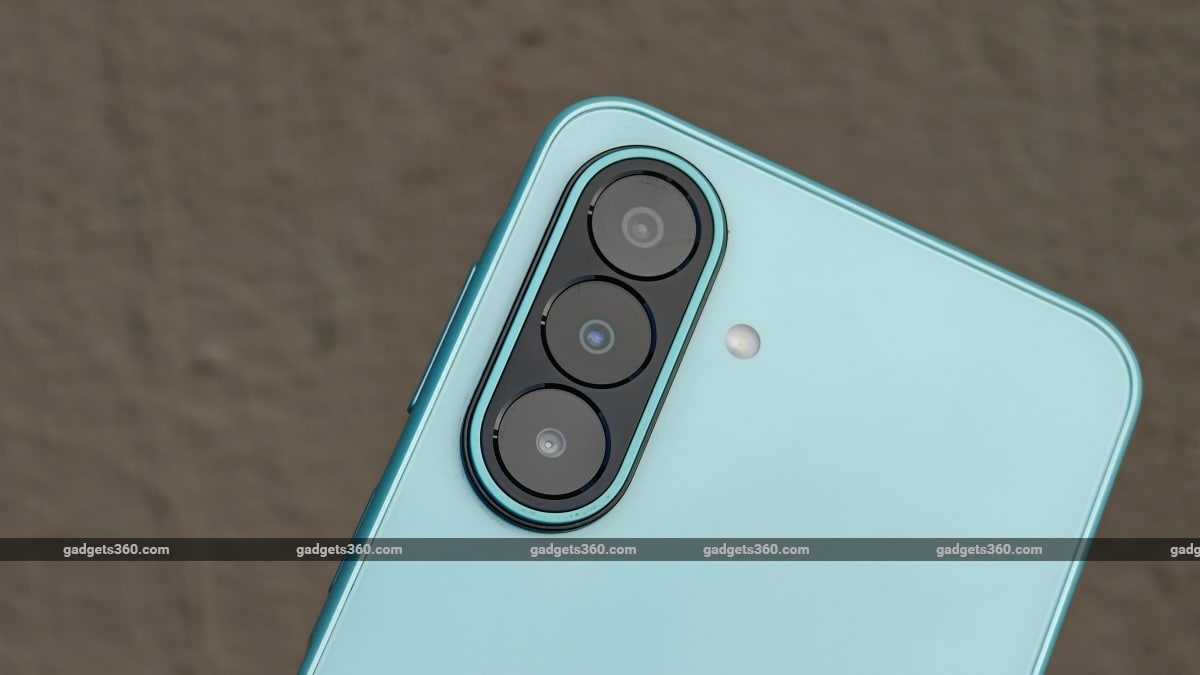
The Galaxy A57 5G and Galaxy A37 5G use a 50-megapixel main camera with optical image stabilisation, alongside ultra-wide and macro cameras. Samsung’s Nightography experience is designed to preserve more detail and colour in photographs and videos captured in lower light. The Galaxy A27 5G also brings Nightography to its 50-megapixel OIS main camera, giving buyers another option in the lineup for festive evening photography.
Group photographs bring a different challenge. On the Galaxy A57 5G, Best Face works with Motion Photo to help when someone blinks or ends up with an expression they would rather change. Motion Photo captures multiple frames around the moment you press the shutter, allowing Best Face to use those captured frames to select a better expression. It can save you from having to gather everyone together for another attempt just because one person blinked.
Edit: Give Your Photos a Quick Finishing Touch
Taking the photograph is often only the beginning. Maybe someone walked into the background, an unwanted object is drawing attention away from the subject, or the picture simply needs a quick adjustment before you share it.
Object Eraser, available across the Galaxy A57 5G, Galaxy A37 5G, and Galaxy A27 5G, can help remove distracting objects or people from photographs. Filters and Edit Suggestions can also analyse an image and recommend adjustments, with these tools forming part of the broader Photo Assist experience built into Gallery.
Video gets useful tools of its own. Instant SloMo lets you slow down supported footage during playback, even when the original clip was not recorded as a traditional slow-motion video. Enhance-X can also help improve media by addressing things such as blur, reflections, and poorly lit photographs. Together, these features give you several ways to polish festive photos and videos without immediately reaching for another editing app.
Organise: Keep Your Festive Memories Easy to Find
A busy few days of celebrations can fill your Gallery surprisingly quickly. Alongside family photographs and videos, you may also have screenshots of invitations, travel details, gift ideas, conversations, boarding passes, and other useful bits of information saved throughout the week.
Samsung’s Gallery experience can keep screenshots organised separately, making it easier to browse the photographs you actually captured without unrelated screenshots continually appearing between them.
Private Album, introduced with One UI 8.5, adds more control over the photographs and videos you would prefer to keep away from the regular Gallery view. Selected content can be protected using the phone’s authentication method, such as a fingerprint, pattern, or PIN, while screenshots are disabled when viewing content inside the Private Album. It is a useful addition at a time of year when you may be passing your phone around more often to show friends and family the photographs you have taken.
There is also Gallery Stories, which can automatically bring photographs and videos from an event together into a short highlight reel with background music. You can customise the result before sharing it, giving you an easy way to turn a collection of festive memories into something that is more enjoyable to revisit.
Share: Send Your Favourite Moments in Full Quality
Once you have the photograph everyone likes, chances are someone will immediately ask you to send it across. Quick Share makes that easier by letting you send photographs, videos, and documents to compatible nearby devices without the usual compression associated with sending media through some messaging apps.
That becomes particularly useful for photographs and videos you want friends or family to keep in their original quality.
Storage Share extends the experience across compatible Samsung devices by making supported files from your phone accessible through My Files on another phone, tablet, PC, or TV when the devices meet the required account and connectivity conditions. It can make moving content between screens easier, whether you want to continue working with a video on another device or simply view the day’s photographs together on a larger display.
Mobile hotspot sharing also remains useful when another phone or laptop needs internet access away from a reliable Wi-Fi network, adding another simple convenience when you are travelling or spending the day away from home.
Protect: Keep Sensitive Information Better Protected
Your smartphone carries much more than photographs. Work files, personal messages, login credentials, and other sensitive information often sit alongside everything you capture during the festive season.
Across the Galaxy A Series, Samsung Knox Vault provides hardware-backed protection for sensitive data and forms part of Samsung’s wider security approach.
That protection is backed by long-term software support as well. Samsung promises up to six generations of Android OS upgrades and up to six years of security updates across the Galaxy A57 5G, Galaxy A37 5G, and Galaxy A27 5G.
For a phone purchased during the Samsung Galaxy A Diwali sale, that longer support period becomes particularly meaningful because the device is likely to remain in use long after the festive offers have ended.
Which Galaxy A Series Phone Makes the Most Sense for You?
The Galaxy A57 5G, Galaxy A37 5G, and Galaxy A27 5G share many of the wider One UI experiences, but each model caters to slightly different priorities.
The Galaxy A57 5G offers the most feature-rich experience of the three and is particularly interesting for buyers who spend more time capturing and editing photographs and videos. Features such as Best Face give it an additional advantage for the group photos that tend to become a big part of festive gatherings.
The Galaxy A37 5G brings many of the same broader Galaxy and One UI experiences at a different position in the lineup, including camera, editing, sharing, and software features that can prove useful well after the celebrations are over.
The Galaxy A27 5G provides a more accessible entry into the series while retaining experiences such as Nightography and Object Eraser. The right choice ultimately comes down to your budget, how you use your phone, and which features matter most to you.
The Festive Offer Is the Start, One UI Is What Stays
A good Samsung Galaxy A mobile offer can make the timing of an upgrade easier to justify. This festive season, monthly EMI options, instant cashback, and the Samsung Upgrade Offer give buyers multiple ways to approach the purchase.
The longer-term value, however, comes from what remains on the phone after the festive sale is over. Features such as Best Face, Nightography, Object Eraser, Photo Assist, Private Album, Quick Share, Storage Share, and Knox Vault continue to form part of the everyday Galaxy experience, alongside Samsung’s long-term software support.
That balance is ultimately what makes the current Samsung Galaxy A festival offer worth considering. The festive benefits provide a reason to look at the lineup now, while One UI and the wider Galaxy experience are what continue to matter after the purchase.
Frequently Asked Questions
What festive offers are available on the Samsung Galaxy A Series?
The current festive plans include no-cost EMI and instant cashback across eligible Galaxy A27 5G, Galaxy A37 5G, and Galaxy A57 5G variants. The applicable EMI tenure, down payment, cashback, and other benefits vary depending on the model and variant.
Which Samsung Galaxy A Series phone should I choose?
The right choice depends on your budget and priorities. The Galaxy A57 5G offers the most feature-rich experience of the three, while the Galaxy A37 5G balances many of the wider Galaxy features at a different position in the lineup. The Galaxy A27 5G provides a more accessible entry point while retaining several key One UI and camera experiences.
What camera features are available across the Galaxy A Series?
Depending on the model, Galaxy A Series camera features include Nightography, optical image stabilisation, Best Face, Motion Photo, Object Eraser, Photo Assist, and other Gallery editing tools designed to help with capturing and improving photographs and videos.
What are some of the useful One UI 8.5 features on the Galaxy A Series?
One UI 8.5 brings together features for capturing, editing, organising, sharing, and protecting content. These include tools such as Best Face, Photo Assist, Private Album, Quick Share, Gallery organisation features, and Samsung’s security experiences.
How long will the Galaxy A57 5G, Galaxy A37 5G, and Galaxy A27 5G receive software support?
Samsung promises up to six generations of Android OS upgrades and up to six years of security updates across all three Galaxy A Series phones.