


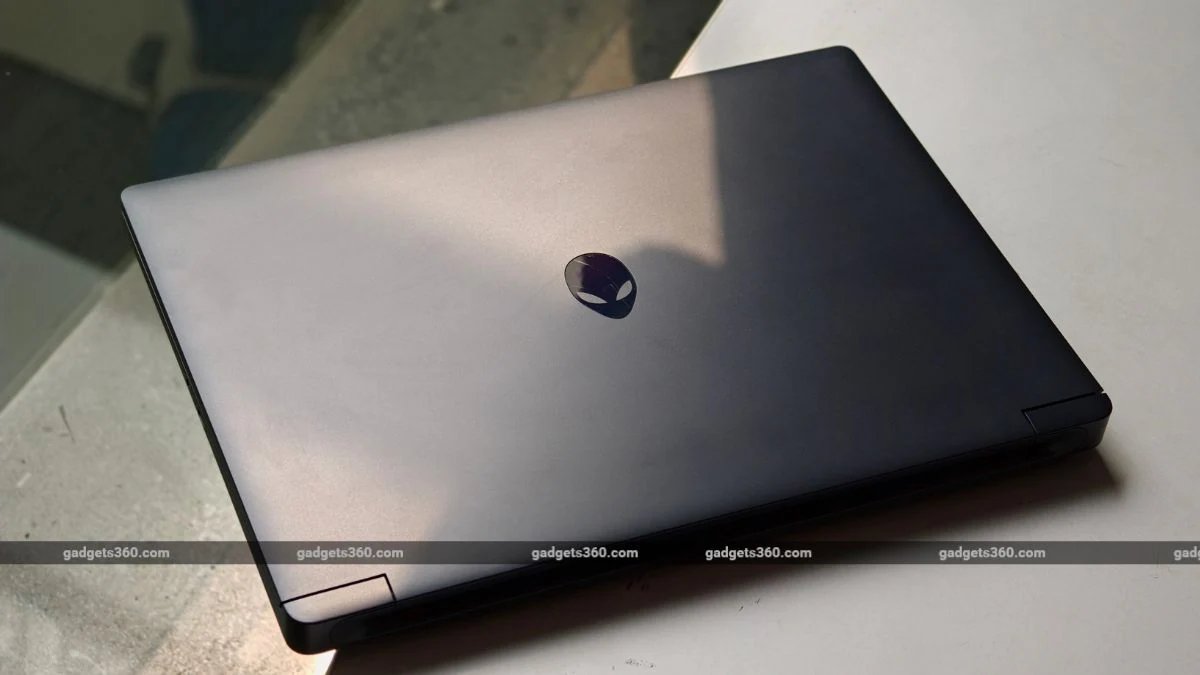
The Dell Alienware series has long been known for balancing premium design with flagship-grade performance. The company’s gaming laptops are available at multiple price points, though the entry-level segment needed some upgrades. This is why the brand introduced the new Dell Alienware 15 gaming laptop to make its presence felt in the entry-level gaming laptop market. The latest laptop comes with some interesting features, including an Nvidia GeForce RTX 5050, an AMD Ryzen processor, and more. At Rs. 1,55,490, it’s an interesting option, especially with component prices rising. That said, is it a decent gaming laptop for you? I got the chance to use the device for a while now, and here’s what you need to know.
Dell Alienware 15 Laptop Design: Sturdy and Colourful
- Dimension: 349.5 × 250.3 × 20.7–22.95mm
- Weight: 2.25kg
- Colours: Nova Black
Dell Alienware 15 is a toned-down version of its more expensive siblings. Although it keeps the familiar Alienware elements, including stylised lid branding and a rounded design, it doesn’t scream “gaming laptop” from a distance. The laptop comes in a single Nova Black colour option, and the first thing you will notice is how minimal it looks, unlike traditional gaming machines with fancy LED strips or lights.
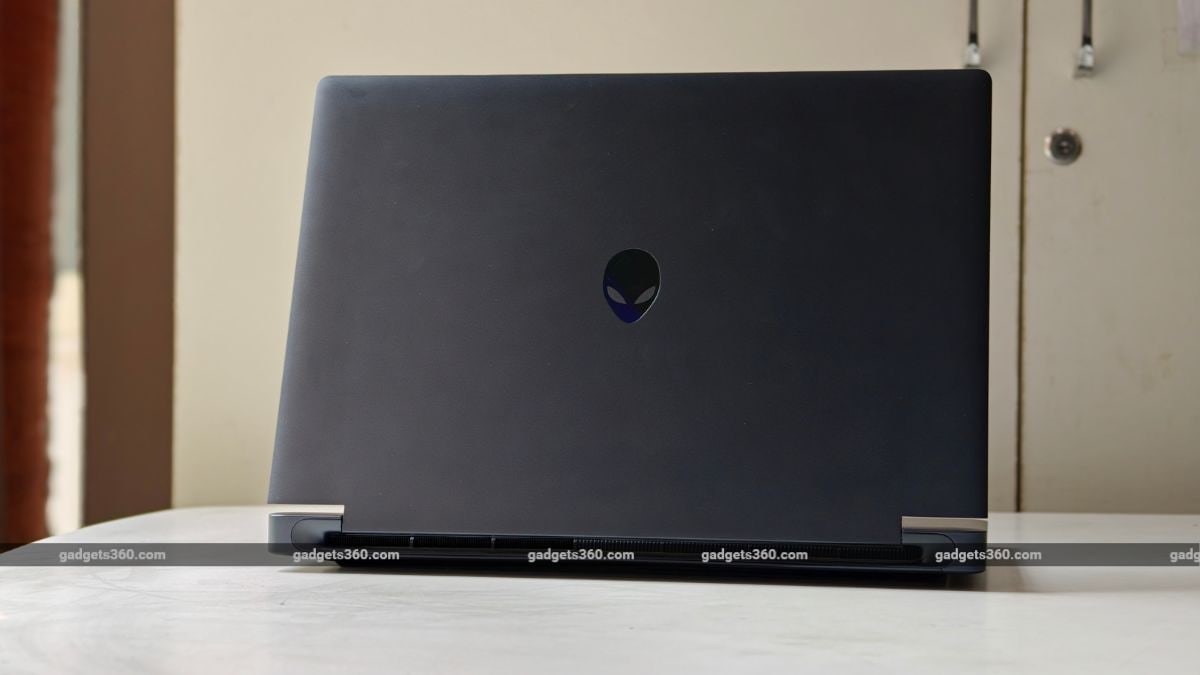
The Dell Alienware 15 is available in a single Nova Black colour option.
The laptop looks more like a conventional premium laptop than an oversized gaming machine, even though its proportions make it clear it’s not ultraportable. The laptop is mostly plastic, but it doesn’t feel cheap from any angle. The chassis doesn’t feel flimsy, and the structure has enough rigidity for normal use, which helps. That said, it is still on the heavier side at 2.25kg, so it is not something you would want to carry all day.
Moving on, the larger chassis also allows for better thermals and a full-size keyboard, with single white backlighting, a numpad, and a large trackpad. Multiple cooling vents are placed on the rear of the laptop, making airflow easier.
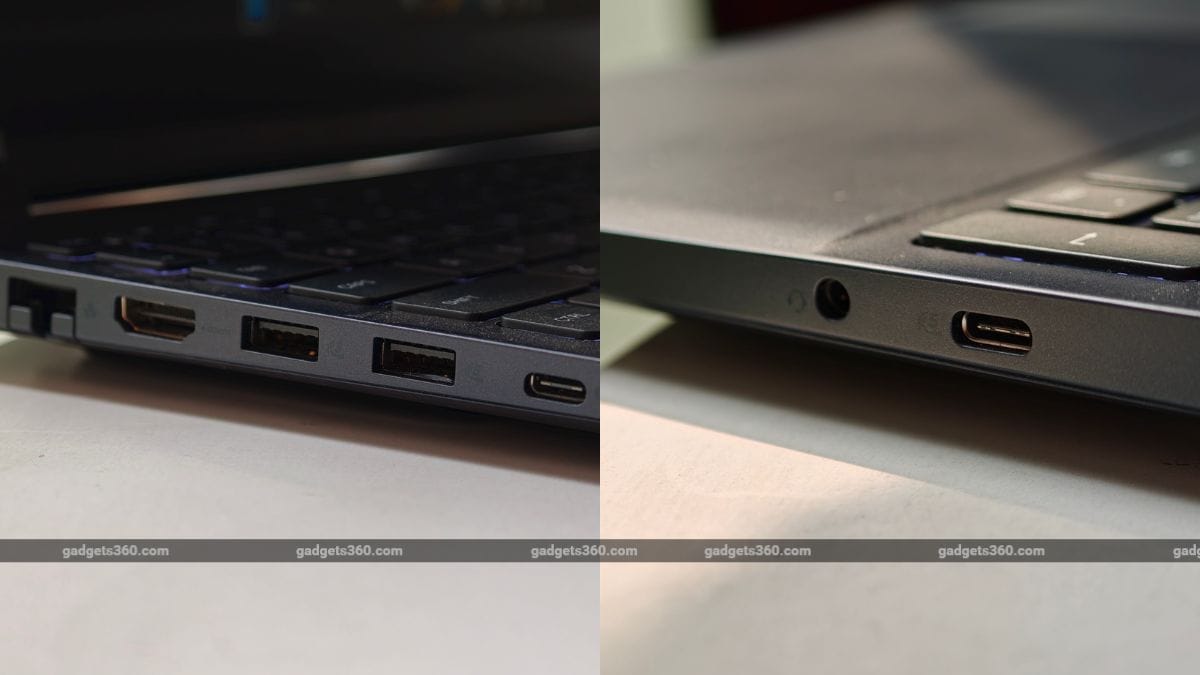
The gaming laptop offers a good selection of connectivity ports.
The company is also giving a good selection of ports. The left side features a proprietary power connector, a Gigabit Ethernet port, HDMI 2.1, two USB Type-A ports, and one USB Type-C port. On the right side, you get a 3.5mm audio jack and a USB Type-C port. One of the USB-C ports also supports DisplayPort 1.4a and up to 100W power delivery, which is a big plus.
Dell Alienware 15 Display: Smooth and Vibrant
- Display: 15.3-inch IPS LCD
- Resolution: WUXGA (1920 × 1200 pixels)
- Refresh Rate: 165Hz
The Dell Alienware 15 has a 15.3-inch IPS LCD display with a 1920×1200 resolution and a 165Hz refresh rate. The display looks decent in terms of colour reproduction, though not at the level you get from OLED displays. The colours often feel a bit muted, while backlight bleed was also visible in some cases. However, the 165Hz refresh rate makes up for it, as the visuals feel smooth and you can enjoy games at higher frame rates.
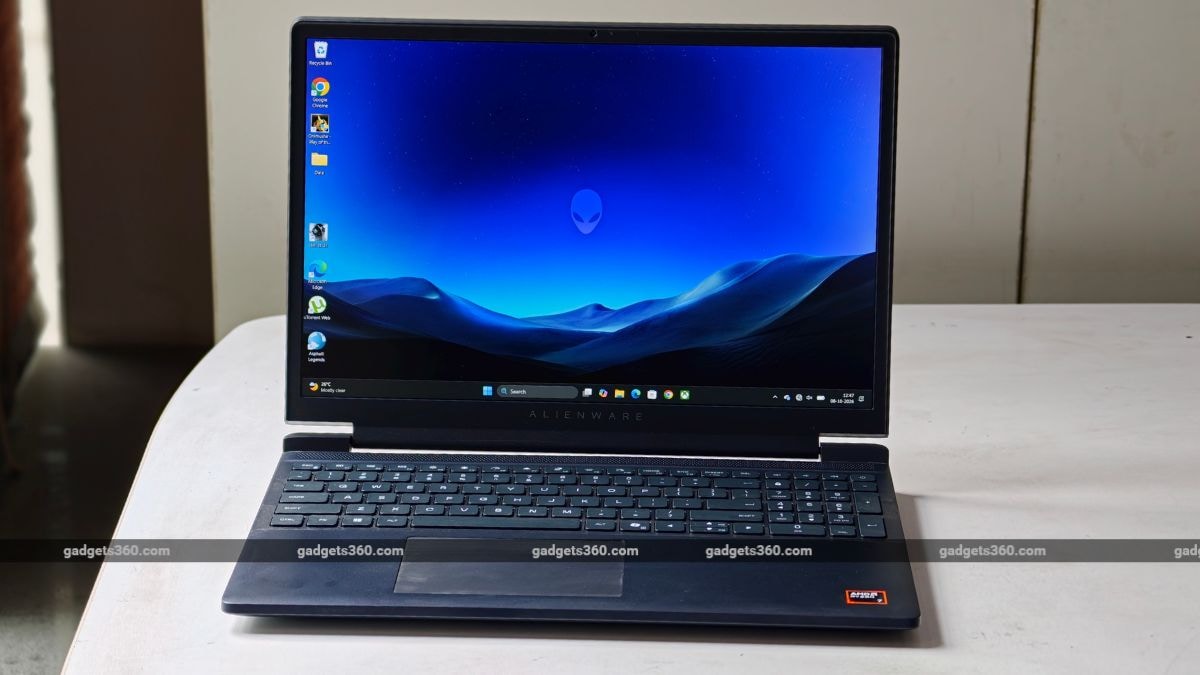
The laptop comes with a 15.6-inch IPS dispaly with a 165Hz screen refresh rate.
Moving on, the IPS panel also shows its limitations for streaming. Blacks usually don’t look deep, and the colours also lack the certain richness which you get from a gaming laptop. Coupled with 300 nits of brightness, this isn’t very generous for bright rooms.
Dell Alienware 15 Keyboard, Touchpad, Speakers, and Webcam
- Keyboard: Full-size keyboard with white backlighting
- Webcam: 720p HD webcam
- Speakers: Stereo speakers
The Dell Alienware 15 comes with a full-size, backlit keyboard. However, this machine only offers the white backlight option. The keyboard also features some shortcut keys for performance-related controls. The Fn key includes Performance and Stealth Mode hotkeys, which are a welcome addition and come in handy when you need a more aggressive cooling profile or quiet mode. The keyboard offers a decent 1.3mm travel, which is enough for typing, though it can feel a bit cramped.
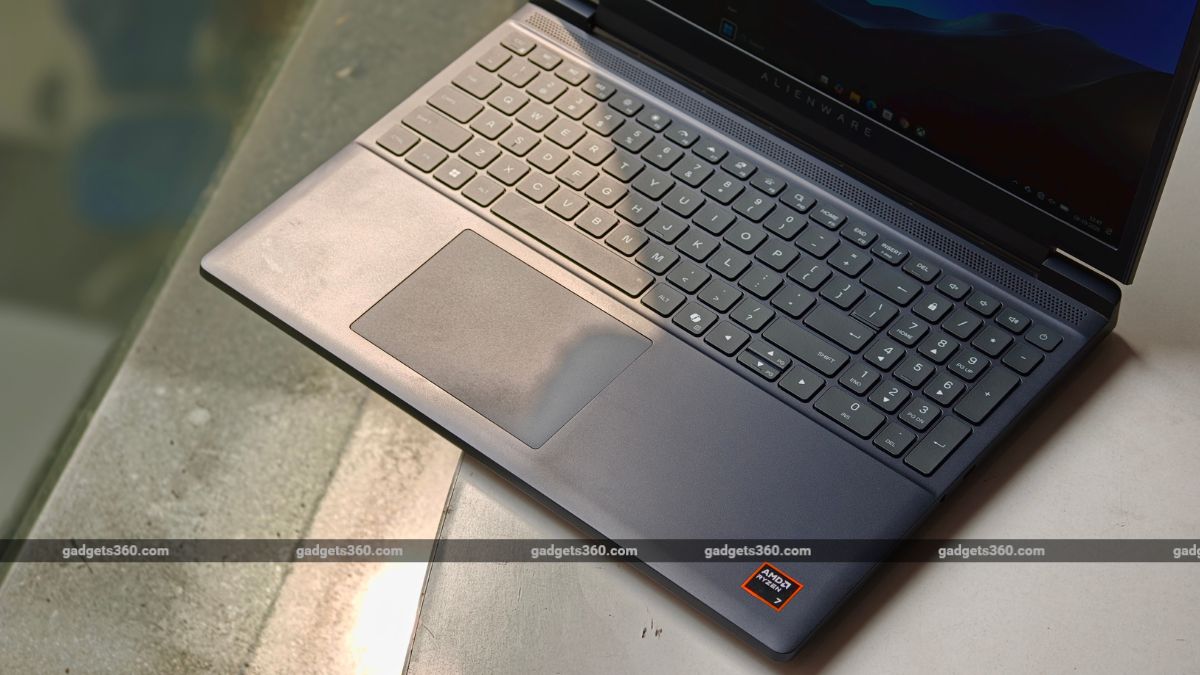
The Dell Alienware 15 comes with a backlit keyboard and a large trackpad.
The touchpad is good. It tracks accurately and feels reasonably smooth while operating. That said, it lacks the premium glass-like finish found on some higher-end machines, but it’s still smooth enough for daily use. In most cases, you will be using a gaming mouse or a controller.
The speaker system is another area where Dell has clearly kept costs in check. The speakers get reasonably loud, but the sound becomes thinner as you push the volume higher. Bass is limited, and the bottom-firing arrangement means the surface beneath the laptop can affect the output. The 720p webcam is serviceable at best. It is fine for an occasional meeting, but image quality drops quickly in low light.
Dell Alienware 15 Software
- Operating System: Windows 11 Home
- Other Features: Alienware Command Center
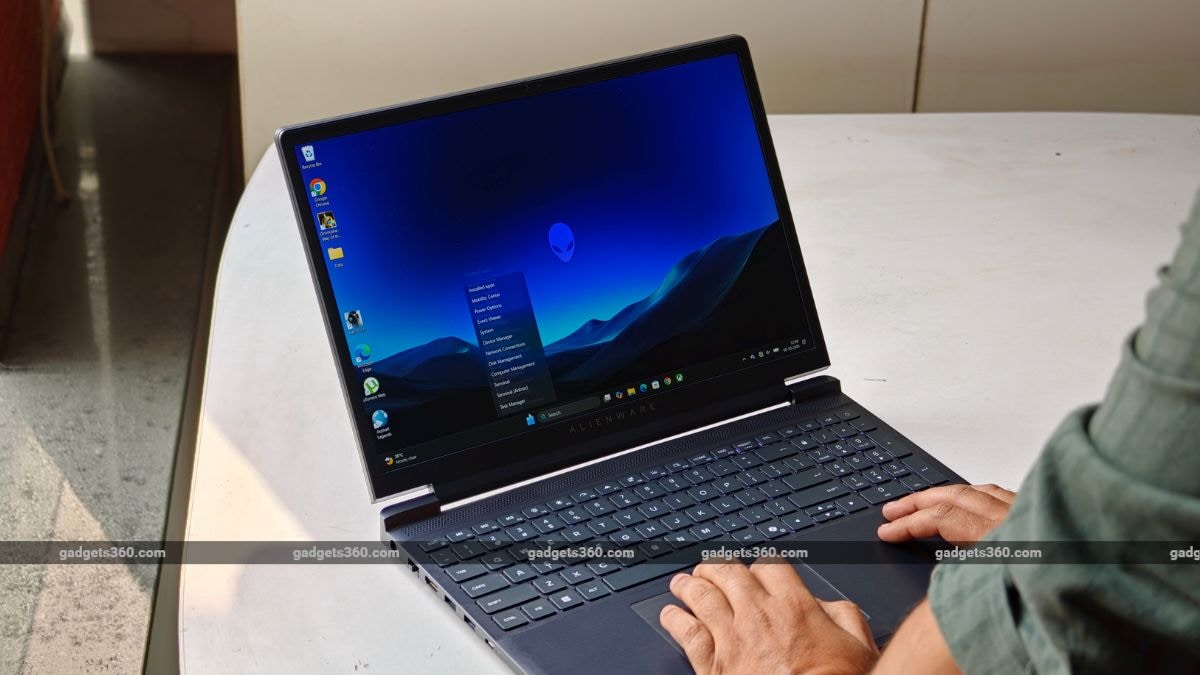
The Alienware 15 ships with Windows 11 Home. The laptop also comes with a Microsoft 365 trial along with McAfee and more apps. However, to control most features, the company also ships Alienware Command Center. The application provides access to performance profiles, fan controls, system monitoring and other settings without forcing the user to dig through Windows menus. The application offers different performance profiles customers can choose based on the workload.
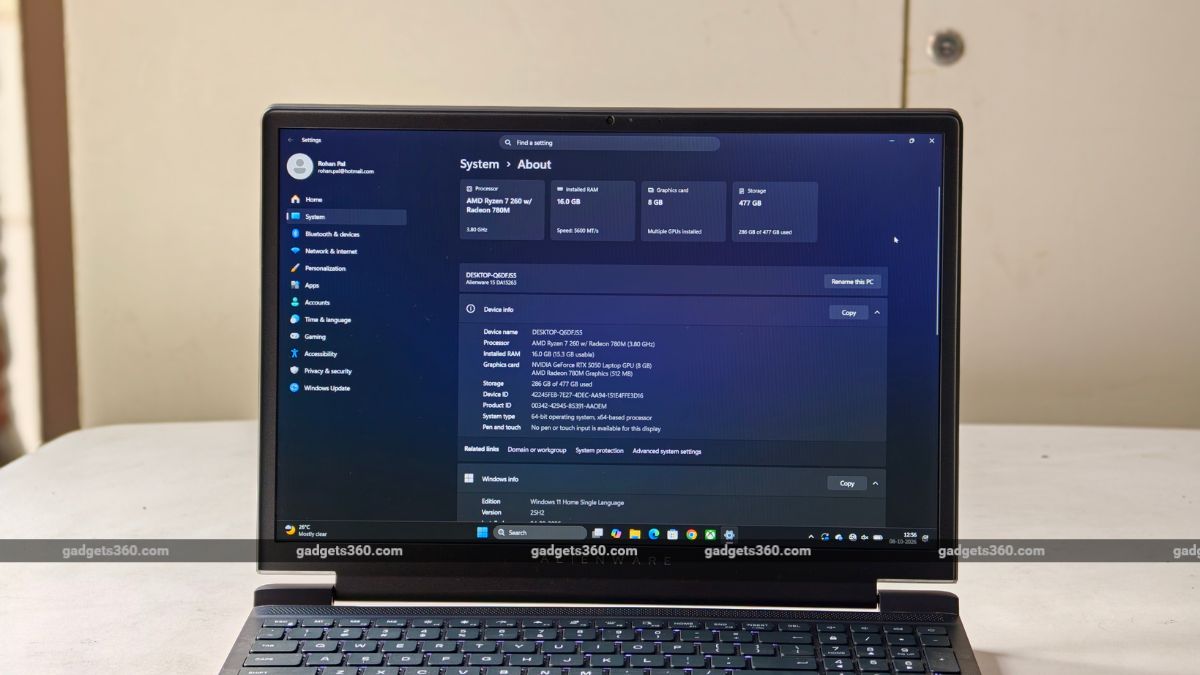
The laptop runs on Windows 11 and features Dell Alienware Command Center through which you can control most of the laptop’s functions.
Quiet mode makes sense for browsing and writing, while Performance is best for gaming. There is also a more aggressive mode for pushing the hardware harder. The application is pretty straightforward to use, with useful information on CPU and GPU utilisation, temperatures, memory, storage and frame rates.
Dell Alienware 15 Performance
- Chipset: AMD Ryzen 7 260 Processor
- RAM: 16GB DDR5-5600 RAM
- ROM: 512GB PCIe Gen 4 NVMe SSD
- GPU: Nvidia GeForce RTX 5050 Laptop GPU with 8GB GDDR7 memory
The latest Dell Alienware 15 (2026) runs on AMD’s Ryzen 7 260 processor, with 8 cores and 16 threads. It pairs an Nvidia GeForce RTX 5050 Laptop GPU with 8GB of GDDR7 memory, 16GB of DDR5-5600 RAM, and a 512GB PCIe 4.0 SSD. I have compiled some benchmark results, which you can find in the table below:
Coming to performance, the laptop does a pretty good job when it comes to daily workload. Whether you’re writing articles, opening multiple Chrome tabs, listening to music, or more, the laptop never feels sluggish. Gaming performance is also consistently the strongest part of the package. The laptop handles most older titles with ease, and games like Valorant run smoothly.
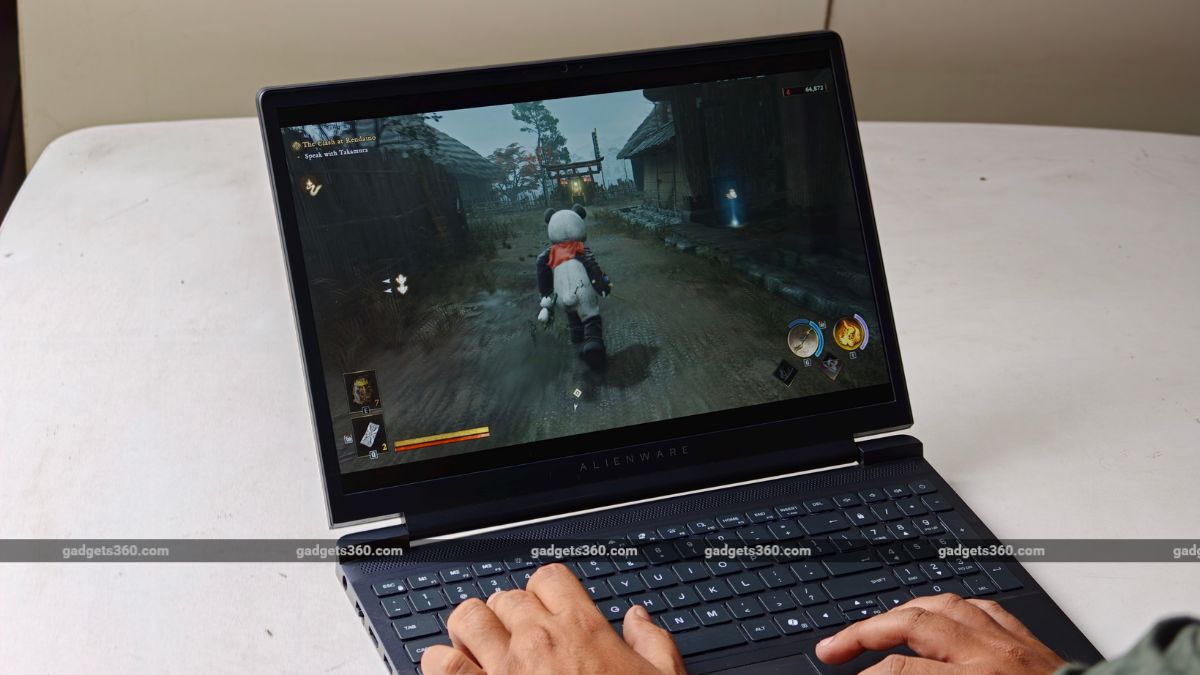
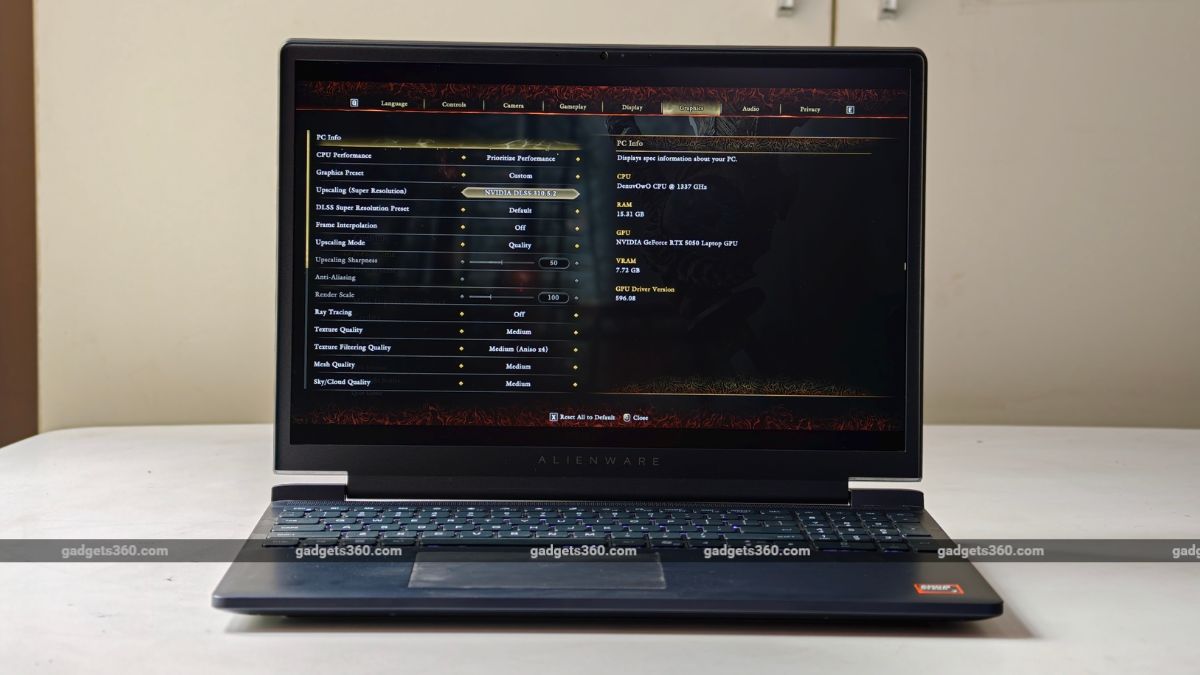
The laptop offers decent performance when it comes to handling AAA games.
The laptop can also handle most recent AAA titles, though you’ll need to keep settings on medium or low, depending on the game. While playing Assassin’s Creed Shadows, I got around 30fps with low-to-mid settings. Cyberpunk 2077 delivered 90fps at the Medium preset.
However, the only thing I noted was the single-channel RAM configuration, which unnecessarily restricted the laptop because memory bandwidth affects both CPU performance and integrated graphics behaviour. The good news is that it has two SODIMM slots, so you can add a second matching module, which could improve performance with a noticeable difference. Moreover, 512GB can feel a bit restrictive, and you need to pick and choose which games you install.
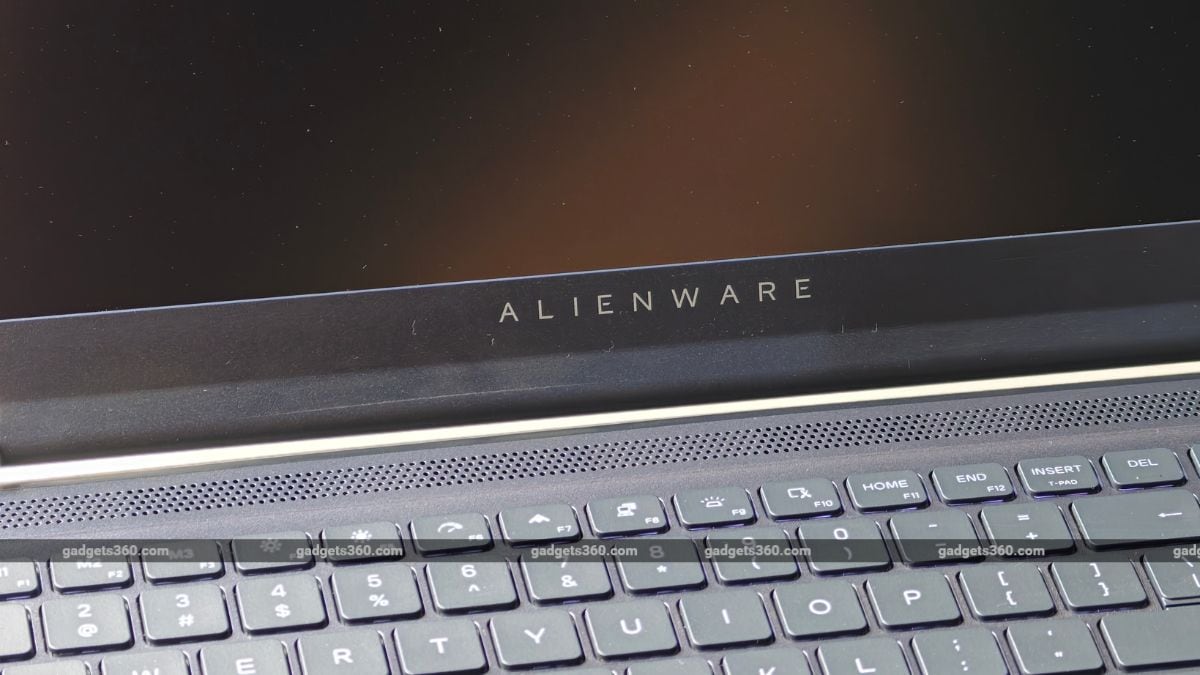
Thermals are handled well on this laptop, provided you keep it on a laptop stand. Under sustained gaming loads, the laptop does get hot, but it doesn’t reach a level that throttles performance, though you’ll have to bear the fans, which get considerably loud in Performance mode.
Dell Alienware 15 Laptop Battery: Average
- Battery Capacity: Up to 70Wh
- Fast Charging: 180W power adapter
Battery life isn’t the Alienware 15’s strong suit here. The laptop comes with a 54Wh battery, paired with a bulky 180W power adapter. During normal use, you can comfortably get around 4 to 5 hours of battery life, while gaming on this machine without the power adapter will give you almost 1 hour.
This is respectable, but the RTX 5050 cannot sustain a long unplugged gaming session, and most of the time you will keep it plugged in; who wants a sudden death of not the player but the laptop during those intensive fight scenes.
Dell Alienware 15 Laptop Verdict
With the Dell Alienware 15 (2026), the company knows where exactly to cut corners. The plastic body, thick bezel, weak speakers, small SSD, and single-channel memory all point to a budget protected elsewhere. That is none other than the CPU and GPU configuration. The Ryzen 7 260 and RTX 5050 combination, along with a 165Hz panel, delivers a smooth gaming experience, if not flagship-worthy. Games run well at 1080p, which could be ideal for those who want to game without flashy design or power-packed specs for the absolute best performance.
However, the trouble is the pricing. At around Rs. 1.55 lakh, the Dell Alienware 15 will compete with the Acer Nitro, TUF, and Lenovo LOQ ranges, which offer a good experience as well. That said, if you want a no-nonsense gaming laptop that runs most older and many newer titles with ease, looks minimal, and you’re willing to overlook the display panel, you can consider this machine.