


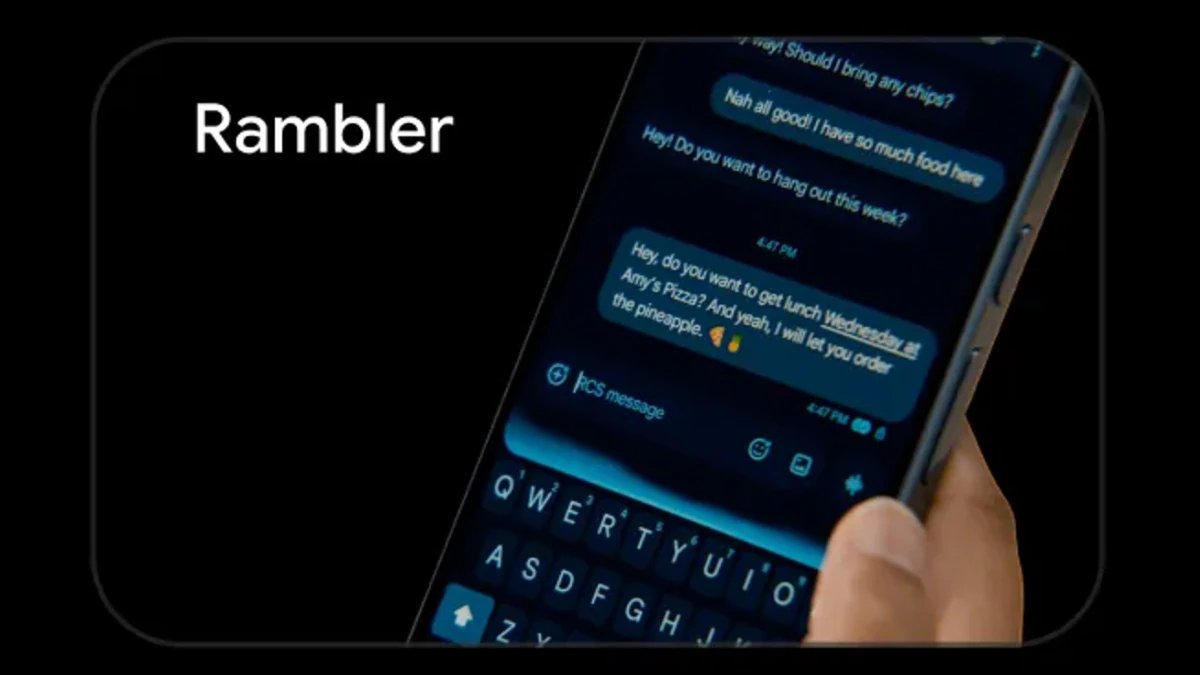
Google’s Gboard Rambler, which uses Gemini to turn natural speech into polished text, comes with usage limits. The feature is designed to go beyond conventional voice typing by cleaning up spoken input and allowing users to make edits with voice commands. Google has now clarified how Rambler behaves when users reach its usage cap, providing more details about the feature’s offline capabilities and the functions that remain available after the limit is reached.
Google Explains What Happens When You Hit Gboard Rambler Usage Limit
According to a report by Android Authority, a Google representative confirmed that Rambler switches to offline mode after users reach the usage limit. This allows the feature to continue processing voice input instead of becoming unavailable once the cap is reached.
Rambler is part of Gboard’s Gemini Intelligence features and is designed to process natural speech without requiring users to pause for punctuation or dictate perfectly structured sentences. It can also edit existing text, make specific corrections and add emojis through voice commands.
Google has also clarified that offline Rambler can remove filler words while continuing to handle basic cleanup, punctuation and capitalisation. The feature therefore retains these functions even when an active internet connection is unavailable.
However, some of Rambler’s more advanced functions require an internet connection. These include rewriting text in a particular style, changing its tone, shortening a passage and carrying out complex conversational edits. Such features become available again once connectivity is restored.
Google’s support page says Rambler works wherever Gboard is available. The feature currently requires a Pixel 11 series device, the latest version of Gboard and microphone permission. It supports Arabic, English, French, German, Hindi and other supported Indian languages, Italian, Japanese, Korean, Portuguese, Russian and Spanish. Users can also switch between supported languages while speaking.
Rambler can be selected through Gboard’s Voice typing settings, where users can also return to Standard voice typing. If an internet connection is lost during voice input, Gboard provides a Retry option to process the input offline.
Google says Rambler temporarily processes text, audio input and corrections to its voice output. The company says this information is deleted after the resulting text is delivered and is not saved, stored or shared. Google also warns that Rambler can make mistakes and recommends checking its output.